


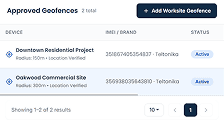
GPS Clock-In and Geofencing
Verify clock-ins near approved locations and reduce inaccurate time entries.

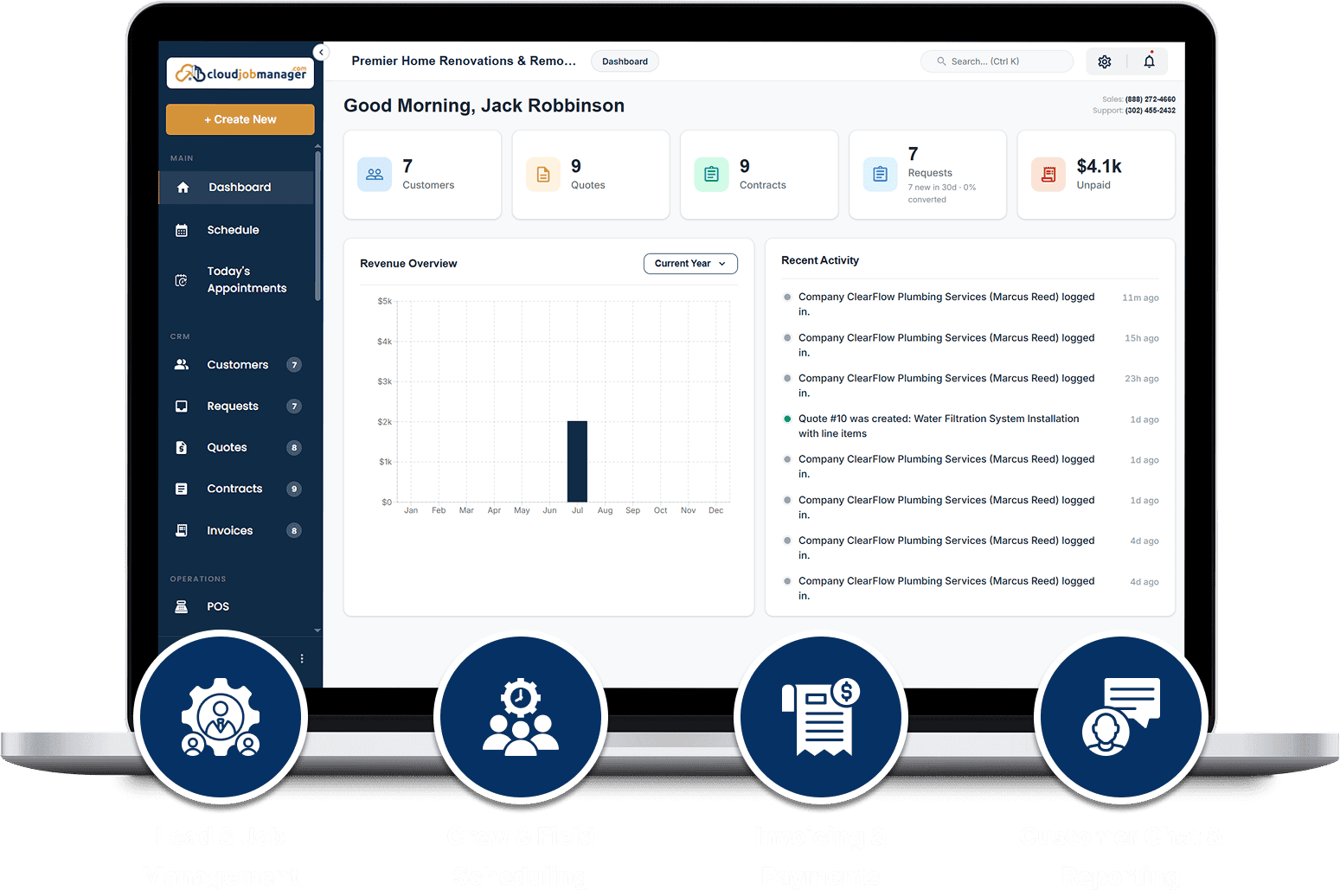
Capture leads, create itemized quotes, offer optional upgrades, collect approvals, and move signed work directly into scheduling.
See the full team calendar, assign work without double-booking, manage changes, and keep job details organized across branches and departments. Quotes, contracts, invoices, and service requests each carry a quick-action menu for conversions and next steps, and list filters stay where you set them.
Assigned to Mike · 8:00 AM
Assigned to Chris · 10:30 AM
Assigned to Ryan · 1:00 PM
Track attendance, breaks, shifts, location, labor, overtime, and payroll-ready records without manual spreadsheets.
Verify clock-ins near approved locations and reduce inaccurate time entries.
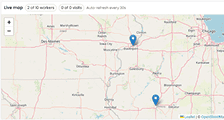
See active crew locations and dispatch the nearest available technician.
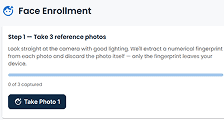
Support controlled team clock-ins from shared devices and job locations.
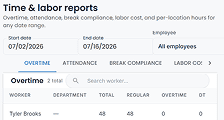
Review hours with break time shown, catch overtime early, approve the shift and time-off requests your crew submits from My Shifts, and export approved time for payroll.
Move from approved quote to invoice, payment, settlement, recurring revenue, and client self-service in one connected workflow.
Keep customer history organized, automate communication, run targeted campaigns, and turn completed jobs into repeat business.

Keep contacts, properties, jobs, invoices, payments, notes, and preferences together.

Keep SMS and email conversations connected to the right customer record. Opt-in is built to carrier campaign requirements, and master controls switch messaging on or off in one place.

Trigger confirmations, reminders, on-my-way messages, status updates, and follow-ups.

Run seasonal offers, referral programs, and targeted customer journeys.
Standardize operations, control approvals, manage expenses, and keep every business record searchable and accountable.

Trigger tasks, notifications, reviews, and approvals from job events.

Control costs, services, pricing, items, and tax rules from one place.

Find records quickly and see who changed what and when.

Speed up routine work, information lookup, and operational follow-through.
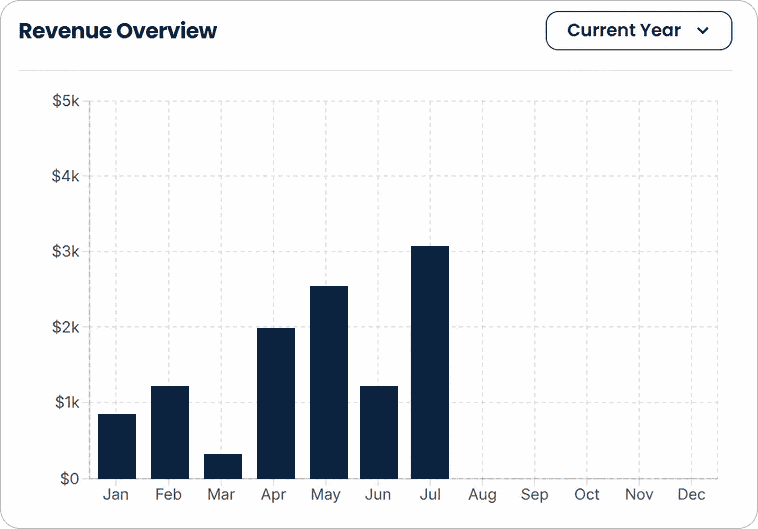
Live dashboards, a flexible report builder, and a prebuilt report library help teams make decisions without waiting for spreadsheet updates.
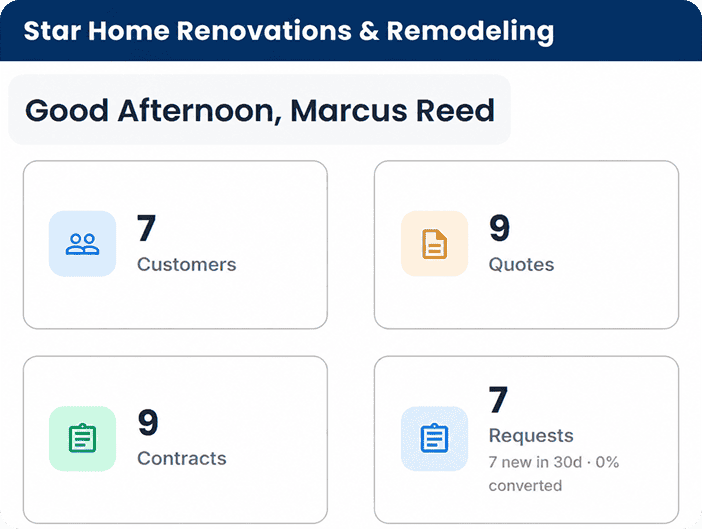
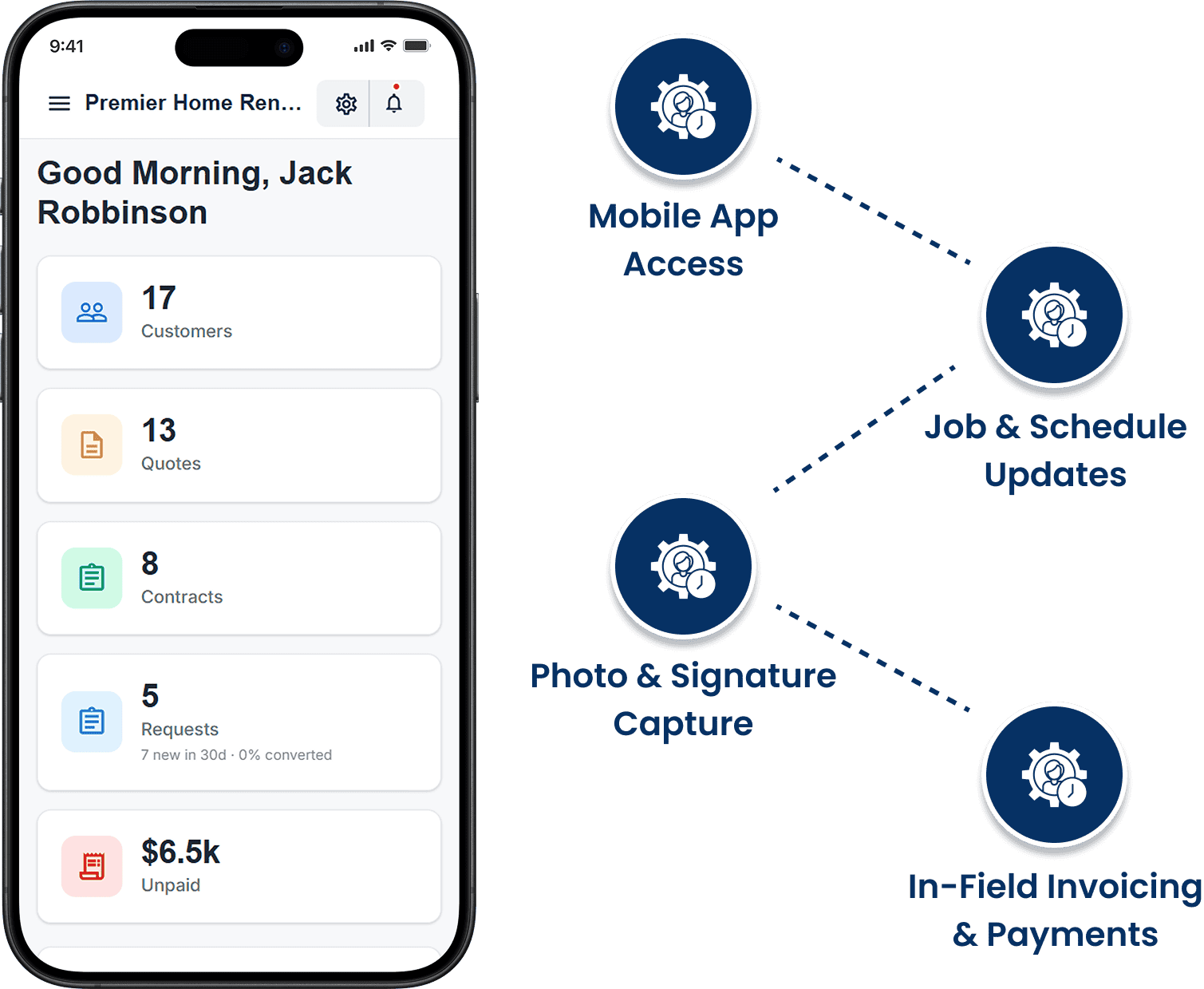
Use the iOS and Android apps to view schedules, update jobs, track time, attach photos, collect signatures, send invoices, and accept payments from the field.
Bring accounting, CRM, marketing, calendar, communication, and custom workflows into the same connected ecosystem.

Verify sign-in with an authenticator app, text, email, or a passkey. Changing a password signs out every other active session automatically.

Account data stays separated across businesses, and inside your account each team member sees only the customers, invoices, and records tied to their role.

Present a branded client experience with your own visual identity.

Connect external systems and trigger custom workflows.
Every step stays connected, so your team never has to re-enter customer, job, invoice, or payment information.
The customer reviews optional items, approves the estimate, and signs online.
Approved work moves directly into the calendar and dispatch workflow.
Job details and line items convert to a validated invoice without retyping.
Customers pay online, in the field, or automatically through secure autopay.
Give customers the convenience they expect while keeping every transaction connected to the correct customer, job, and invoice.
A secure self-service experience that reduces office calls and speeds up approvals.
Accept payments at the counter, at the job site, or anywhere your phone has service.
Turn maintenance plans and repeat services into predictable revenue that runs automatically.
Start with the reports most service businesses need, then build, save, schedule, and compare custom reports as your operation grows. The report builder shows plain field names in the picker, report pages work with a keyboard or a screen reader, and every timestamp follows your configured date format and time zone. Reports load page by page rather than all at once, columns sort on click, and running totals sit at the foot of the report, so a long date range opens as quickly as a short one.
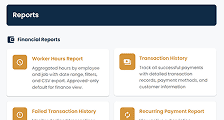
Executive summaries, general ledger activity, revenue, expenses, and profitability.
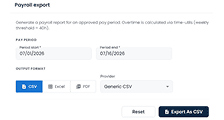
Labor hours, shifts, overtime, time-off activity, and payroll-ready records.
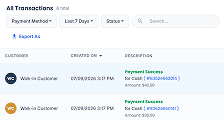
Successful and failed payments, refunds, voids, POS activity, and batch settlements.
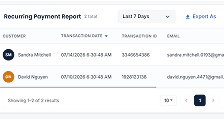
Track autopay performance, recurring invoices, scheduled visits, and customer retention.