
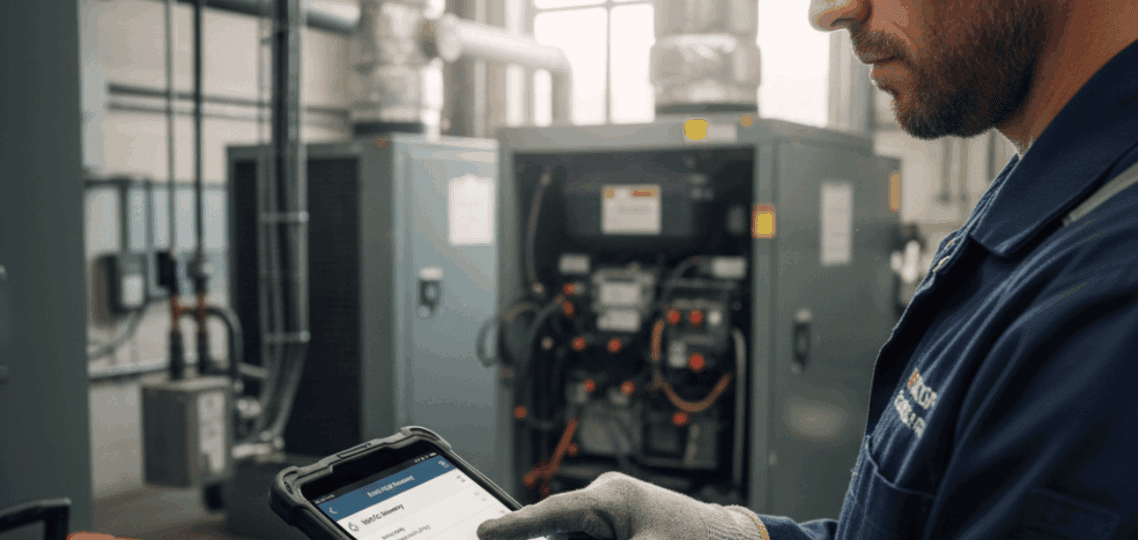
The Mobile Toolbox: Why Field Service Apps Are Essential for Technicians
Fieldwork has always required movement. Technicians travel from site to site, juggling appointments, service notes, equipment diagnostics, and customer interactions all while staying in sync with dispatch and maintaining accuracy in their reports. The problem isn’t skill or dedication. It’s time.
Every hour a technician spends writing notes by hand, calling the office for clarification, or filling out forms after a job is an hour lost to inefficiency. That’s why so many service companies are now relying on one indispensable tool: the field service mobile app.
These apps have become the new “toolbox” of modern technicians. Instead of just carrying wrenches and testers, they carry information instantly, everywhere, and even offline.
They connect field workers to everything they need:
- Customer history and service records
- Equipment data and maintenance checklists
- Job updates and schedule changes
- Photo capture, digital signatures, and invoices
Whether you’re repairing HVAC systems, maintaining electrical networks, inspecting properties, or servicing heavy machinery, the ability to access and update information from anywhere is no longer a luxury; it’s the foundation of a responsive business.
This article explores how mobile apps are reshaping field service operations giving technicians autonomy, eliminating paperwork, and ensuring constant communication even in unpredictable conditions.
Empowering Technicians With Information at Their Fingertips
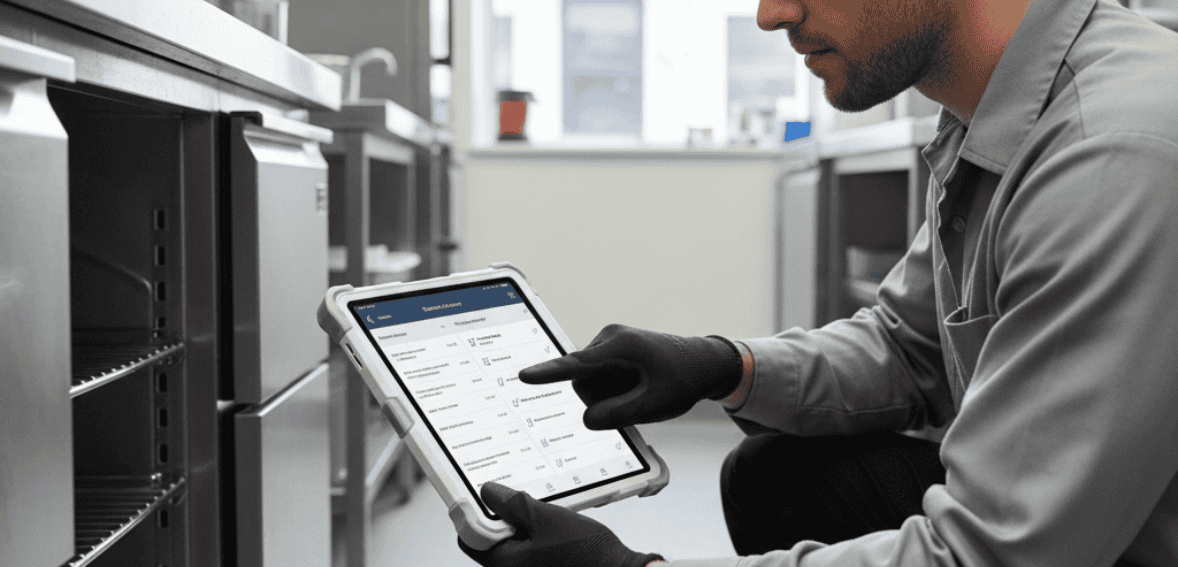
A technician’s effectiveness often depends on how much information they can access before and during a job. In the past, that meant carrying folders, printed service tickets, and handwritten notes and hoping nothing was forgotten in the van.
With a field service app or management software, that entire process becomes digital. Every job’s essential data: customer name, address, previous issues, installed equipment, warranty coverage, and service notes is available in one place.
A few taps, and the technician can see exactly what was done last visit, which part was replaced, or what the customer complained about most recently.
This immediate context does two powerful things:
- Reduces mistakes: Technicians aren’t guessing what’s wrong or repeating unnecessary work.
- Improves professionalism: Customers feel more confident when the technician clearly understands their service history without needing to “check with the office.”
Even when the signal drops, the best offline-capable apps ensure that critical data stays available. Once the technician regains connectivity, updates sync automatically.
That’s a huge advantage in remote areas, rural facilities, basements, rooftops, or underground service spaces where internet access is spotty.
Having information ready, even offline, turns potential downtime into progress. It’s the difference between calling dispatch to ask for files and simply tapping to open them yourself.
Technicians no longer operate blind. They arrive informed, equipped, and prepared to solve problems faster.
Reducing Paperwork and Preventing Costly Errors

Ask any field technician what they dislike most about their job, and paperwork will almost always make the list. Manual forms, illegible handwriting, missing signatures, delayed invoices all create unnecessary frustration.
The old system completes a job, drives back to the office, enters data into a desktop program, and finally sends a report wasting hours every week. It’s also fragile. One lost form or smudged note can mean repeating the entire job.
Digital tools solve this problem elegantly.
Using a field service mobile app, technicians can complete every step on-site:
- Log start and end times
- Capture before/after photos
- Record parts used
- Obtain customer signatures
- Mark jobs as complete
- Generate and send invoices immediately
This not only saves time but improves accuracy. There’s no gap between doing the work and documenting it. The two happen together.
For dispatchers and office managers, this creates instant visibility. As soon as a technician closes a job, the data appears in the system no waiting until the end of the day.
And for customers, this brings speed and transparency. They get immediate confirmation that the work was completed, along with digital receipts or reports for their records.
It’s also worth mentioning the environmental side: less printing, less paper waste, and lower administrative overhead.
But perhaps the most underestimated benefit is peace of mind. Technicians don’t have to worry about losing documents, forgetting job details, or double-entering data. Everything is stored safely in the app.
Accuracy, efficiency, and accountability all from a single digital workflow.
Real-Time Communication That Keeps Everyone in Sync
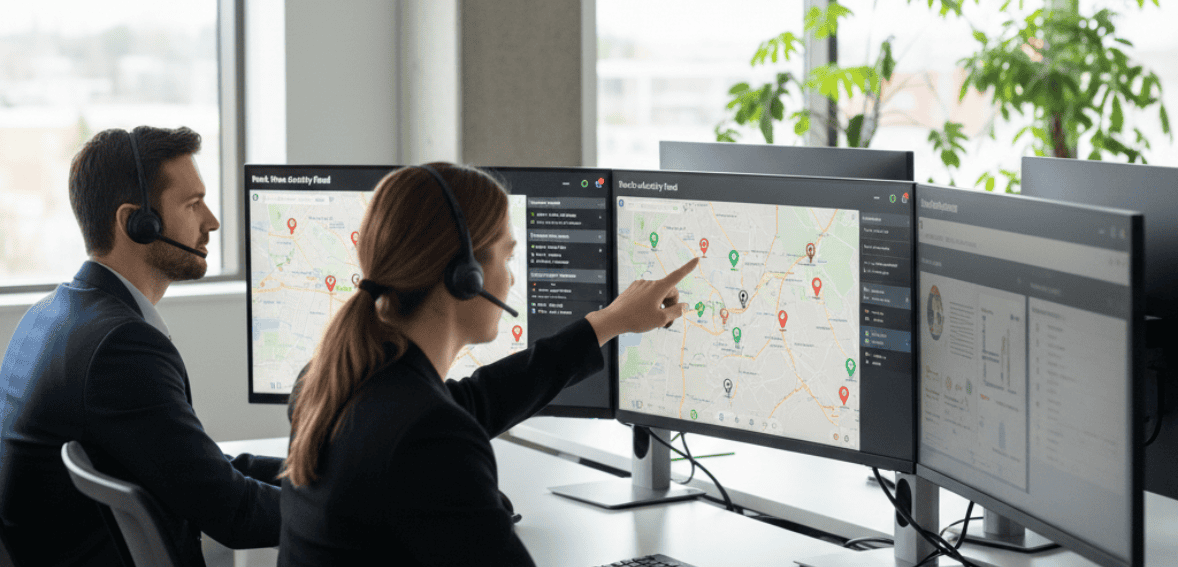
No matter how well you plan, field service work changes constantly. A customer cancels. Another adds an urgent repair. Traffic delays push appointments back. Parts arrive late. Without strong communication, one change can ripple through the entire schedule.
The role of cloud software in improving job scheduling and dispatching is very vital. When dispatchers update appointments or add new jobs, technicians see changes immediately. There’s no need to call or text everyone individually.
Notifications appear directly inside the app complete with job location, description, and special notes.
Likewise, technicians can update their own status in real time:
- “En route”
- “On-site”
- “Job completed”
Dispatchers know where each tech is and what they’re working on, which helps redistribute work efficiently when emergencies arise.
Some apps even include built-in chat or note-sharing tools. That means technicians can ask quick questions, send photos, or confirm part compatibility without leaving the app or making separate calls.
For teams managing multiple technicians across cities or states, this real-time connection becomes invaluable. Everyone stays aligned, no matter how far apart they are.
The result?
- Fewer missed updates
- Faster dispatch decisions
- Stronger customer service
Communication becomes part of the workflow not an afterthought.
And when communication improves, every other part of the job improves with it.
The Bigger Picture – Why Field Workforce Apps Transform the Entire Operation
When companies adopt a field service mobile app, the impact goes far beyond the technicians who use it. It changes how the entire service organization runs from dispatch to billing to customer support.
For the office team, real-time updates mean fewer phone calls asking, “Where’s the technician?” or “Is that job finished yet?” Instead, dashboards show job progress, photos and notes once they’re uploaded. Managers can see who’s available, which routes are active, and how many appointments are completed that day.
For customers, it creates confidence. They’re not left wondering whether a technician is coming or waiting for paperwork to arrive. They get a message confirming arrival, see updates, and receive digital service reports instantly.
And for technicians themselves, the change feels liberating. They no longer have to juggle papers, rely on office staff for updates, or spend time at the end of the day re-entering data.
In essence, technician mobile software removes barriers. It lets people focus on the work they were hired to do, not the paperwork surrounding it.
The difference this makes in morale is significant. Many technicians report feeling more trusted, more efficient, and more capable once they start working digitally. They can plan their day better, track their progress, and take ownership of their results.
In field service, trust and independence go hand in hand. A good app supports both.
Working Anywhere – Why Offline Capability Matters

Not every job site has reliable connectivity. Rural locations, industrial basements, mechanical rooms, or remote agricultural sites often have little to no signal. For most business tools, that’s where productivity stops.
But a strong offline-capable app changes that completely.
Technicians can:
- Access job details even when disconnected
- Record notes, photos, and parts used
- Capture signatures and completion status
- Queue invoices for upload later
Once the device reconnects, all data syncs automatically.
This single feature often determines whether a company’s digital transition succeeds or fails. Without offline functionality, the tool becomes unreliable in the very places it’s needed most.
Offline capability ensures continuity: the technician keeps working, the customer gets served, and the office stays informed without delay.
Think of it like having a backup generator for your data. Even if the connection cuts out, the work doesn’t.
Turning Data Into Improvement – Learning From Every Job
Every completed job leaves behind valuable data: how long it took, which parts were used, what problems were found, and how the customer responded. In paper-based systems, that information rarely gets analyzed; it’s stored in folders or spreadsheets that no one revisits.
With a field service mobile app, every detail becomes measurable. Managers can see average job times, track recurring issues, identify which technicians excel at certain tasks, and recognize patterns that affect profitability.
This helps improve scheduling accuracy, inventory planning, and training.
For example: If certain services consistently take longer than estimated, dispatchers can adjust time slots accordingly. If multiple technicians flag the same equipment issue, it signals a broader product problem.
Over time, the business becomes smarter. Decisions are based on facts, not assumptions.
And for technicians, this feedback is empowering. They can see performance metrics, completion rates, and even customer satisfaction trends not as surveillance, but as insight into how they’re doing and where they can grow.
That transparency helps build a culture of improvement instead of blame.
A Real-World Example – From Paperwork to Productivity
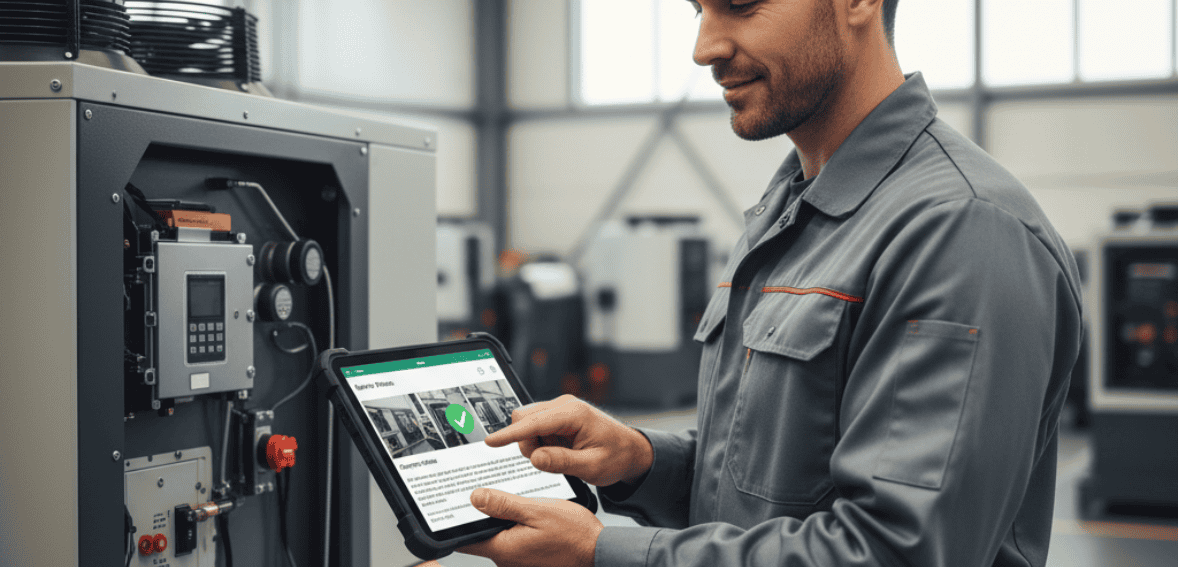
Consider a small HVAC company with five technicians. For years, they relied on printed work orders and handwritten notes. Each technician carried a clipboard filled with paper forms, and at the end of every day, they dropped those forms at the office. The admin staff then spent hours manually entering data names, parts, times, costs into the system.
Jobs often went unbilled for days because paperwork wasn’t submitted on time. Errors slipped in when handwriting was hard to read. Inventory updates lagged behind, causing shortages.
When they finally switched to a field service mobile app, the change was immediate.
Technicians now:
- Start their day by opening the app and seeing their route
- Check each customer’s service history before arriving
- Log parts used as they go
- Capture signatures and upload photos
- Send digital job reports before leaving the site
In office, bills are generated automatically. Inventory levels adjust instantly. Customers receive receipts and satisfaction surveys within minutes.
The business didn’t hire more people; they simply removed friction. In less than a month, the team handled 25% more jobs per week, with fewer mistakes and faster billing.
Efficiency wasn’t achieved through pressure; it came naturally once the process made sense.
Redefining the Technician’s Role
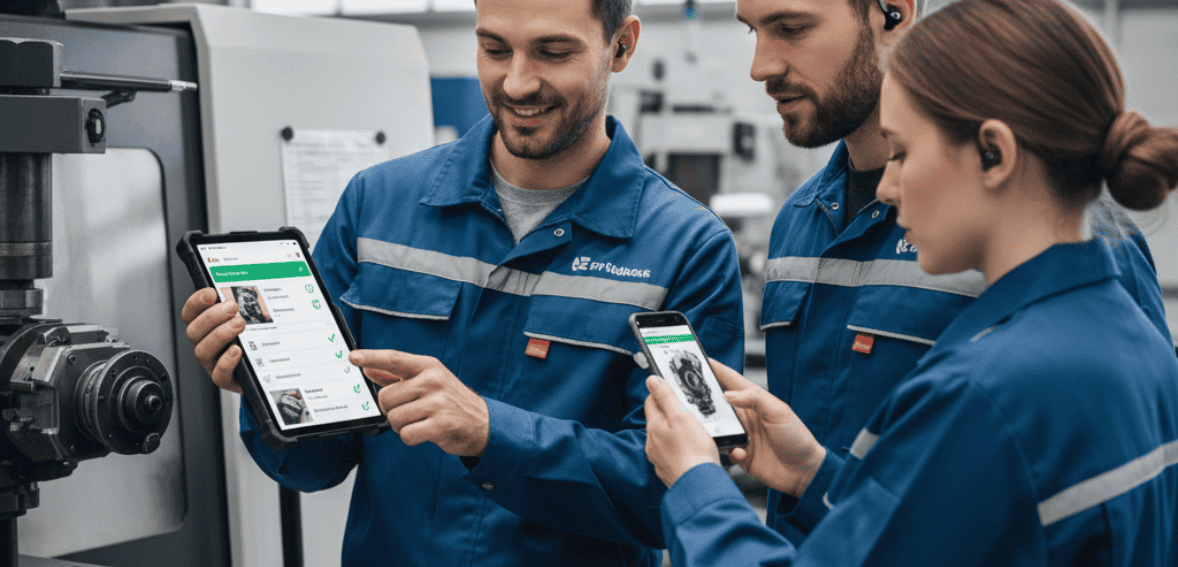
The modern technician is more than a repair person; they’re the face of the company. They interact directly with customers, represent the brand, and often influence repeat business.
By equipping them with the right digital tools, companies show trust and professionalism. A technician who arrives on-site, checks history from a field service mobile app, and explains the work clearly stands out from one flipping through papers.
Internally, the shift also changes perception. Technicians feel respected when they’re given tools that make their jobs easier. They become more engaged, confident and proactive in sharing feedback.
This isn’t just about convenience, it’s about shaping a stronger, more connected workforce.
The True Benefit – Time Reclaimed
Every minute spent searching for information, re-entering data, or chasing signatures adds up. Across a team of ten technicians, those small inefficiencies can total dozens of lost hours each week.
Field service mobile apps give that time back. They streamline tasks so efficiently that technicians finish their routes earlier, respond faster to new calls, and reduce the idle gaps between jobs.
That reclaimed time can be reinvested in training, quality checks, or even additional appointments. It’s not just about doing more, it’s about doing better with less effort.
Efficiency isn’t only a management goal. It directly improves the technician’s day-to-day experience. When tools work seamlessly, work feels smoother.
Conclusion
The service industry thrives on precision and trust. Every technician represents not just their own skills but the reliability of the company behind them.
The right field service management software transforms how technicians operate, making every part of their job easier from accessing data to recording results and staying connected to dispatch.
Paper forms, delayed updates, and disconnected systems no longer fit the pace of modern field work. Mobile tools give technicians what they’ve always needed most: freedom to focus on the task instead of the process.
With technician mobile software, jobs finish faster, information stays accurate, and communication flows without gaps even offline. Managers gain visibility. Customers gain confidence. Technicians gain control.
The field service industry has always been hands-on. Now, with smart mobile tools, it’s also minds-on organized, connected, and efficient.
The toolbox has evolved, and inside it, the most powerful tool isn’t metal, it’s data at your fingertips.
FAQs:
What can a field service mobile app do that a phone call or paper form can’t?
A mobile app combines many functions: it gives the tech all job details (so no calling the office for an address or history), provides guided workflows or checklists, allows capturing photos/videos of work, and enables immediate reporting back once the job is done. Unlike a simple phone call, it also creates a digital record. And unlike paper, it’s instantaneous and can’t be lost in a truck. Essentially, it’s like a multi-tool for all their job needs in one device.
Do technicians like using mobile apps?
When the app is well-designed, most do – because it makes their jobs easier. They don’t have to carry as much paperwork or remember as many details. For instance, if a tech arrives and forgets the specific instructions, they can pull up the work order notes on their app. Studies show it also improves morale; techs feel more supported and less frustrated by admin stuff when they have good mobile tools. There is a learning curve for some, but after training, many wouldn’t want to go back to the old way.
What if our job sites have poor internet connection?
Many field service apps have offline capabilities. A technician can download the day’s jobs in the morning when they have service. If they go to a dead zone, the app still lets them fill out forms or capture data, then it syncs automatically once they’re back in coverage. It’s important to choose an app with a robust offline mode for areas with weak signal.
How do mobile apps help with first-time fix rates?
They arm the technician with knowledge. For example, an app can show the customer’s equipment history what was fixed last time, what parts were used. It might also give access to product manuals or troubleshooting guides. So, when the tech arrives, they are well-prepared and can often solve the issue in one visit. If they realize they need a part, they can check inventory via the app or even request it/order it right there, rather than driving back blindly. This preparedness significantly increases first-time fix rates.
Is CloudJobManager mobile-friendly for technicians?
Yes, CloudJobManager includes a dedicated technician mobile app. It’s essentially a digital toolbox for field staff – they see their assigned jobs, with all details and customer info, on their phone. They can update statuses (like Start Job, Job Completed) so the back office knows progress in real time. The app also lets them capture photos of their work, scan barcodes of parts used, collect customer signatures digitally, and even generate invoices if that’s part of your workflow. And importantly, CloudJobManager’s app has offline support, meaning your techs can continue working in remote areas and sync data later. This ensures that even when out of signal, nothing gets missed or forgotten.