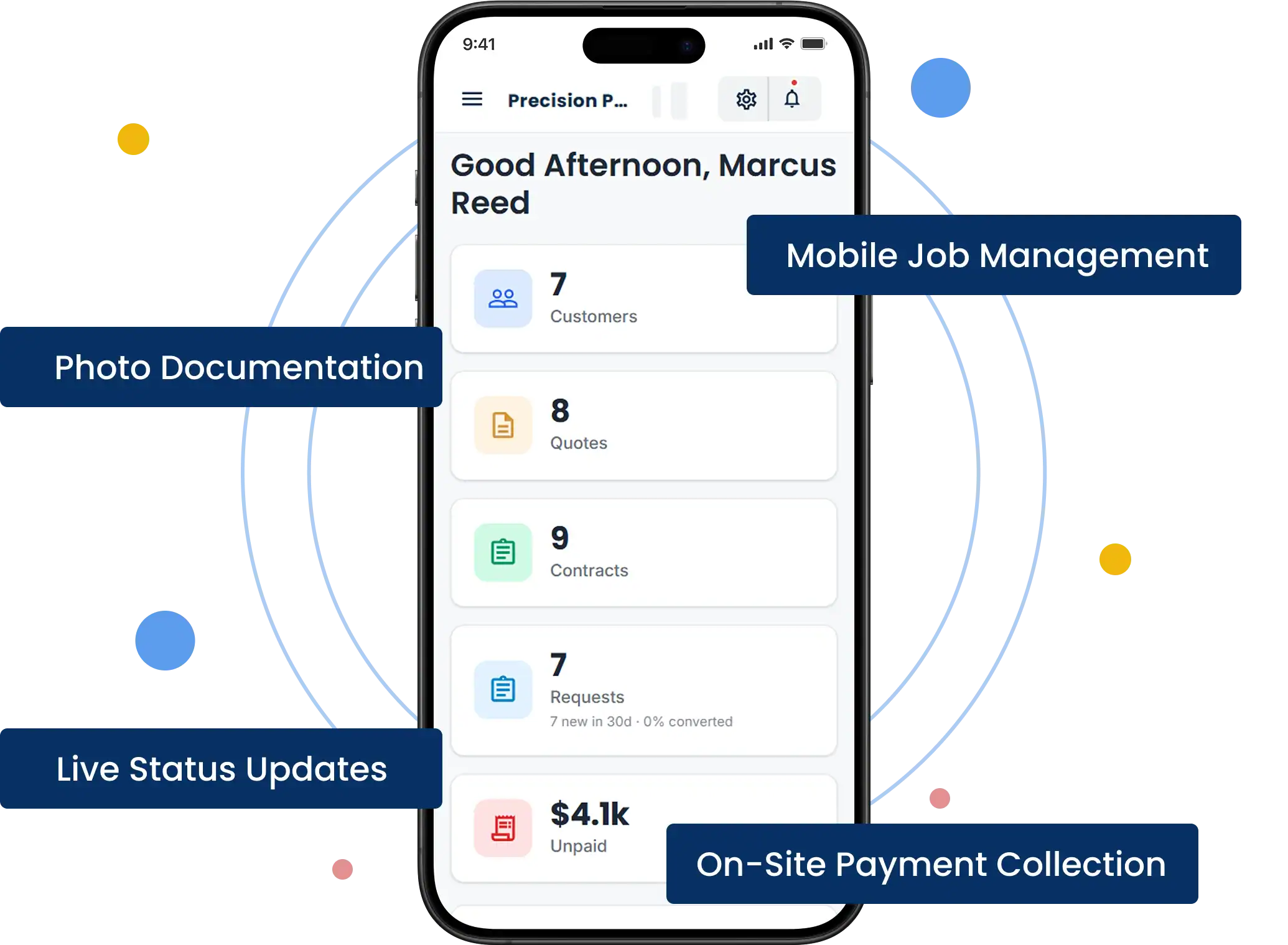
Receive the request
A homeowner asks for a quote on three rooms and the hallway. The request becomes a job on their record with any photos and colour notes they sent, ready for the walk-through.

Customer records with colours, sheens and surfaces from previous jobs
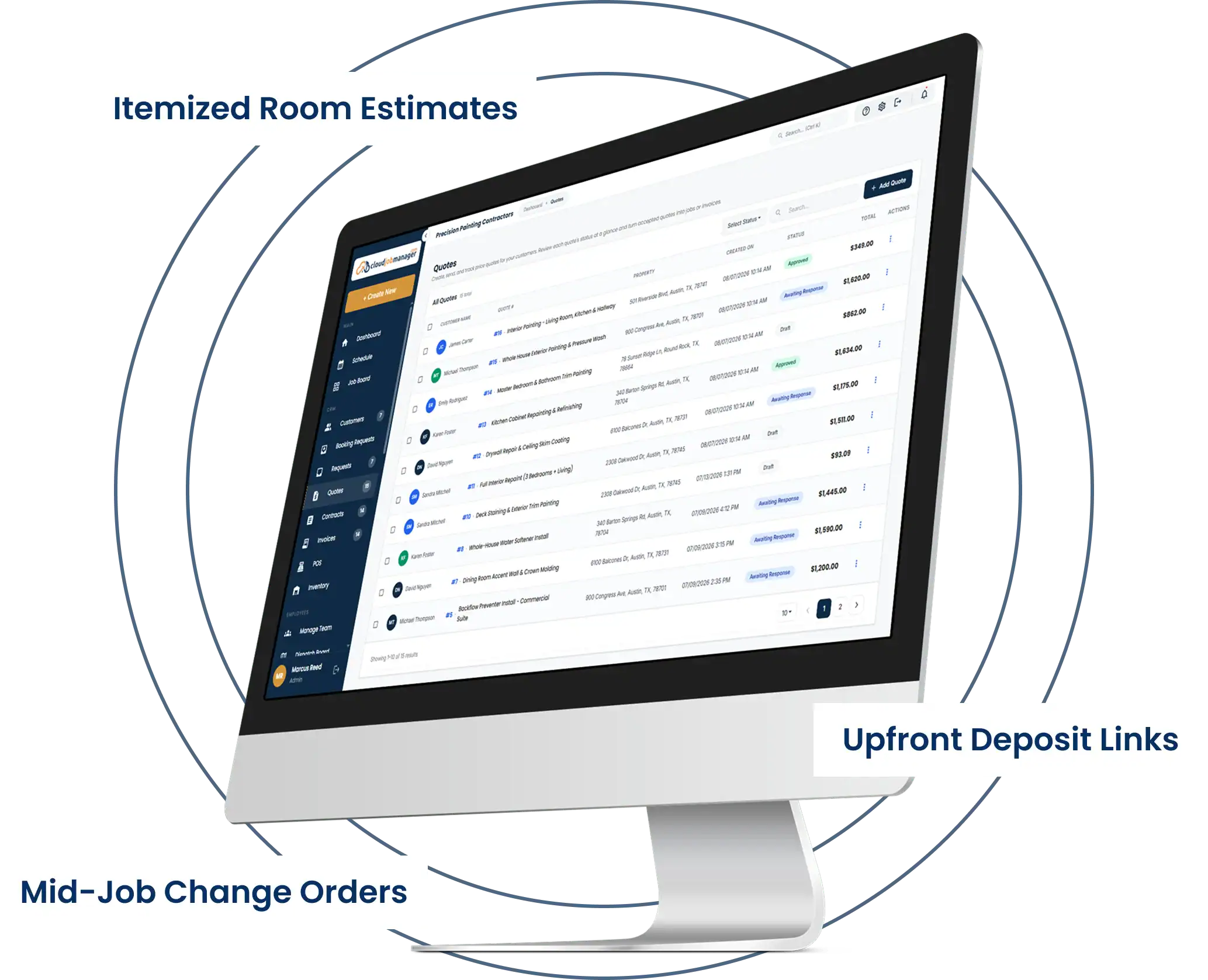
Estimates itemised by room, surface and prep, approved on the customer's phone
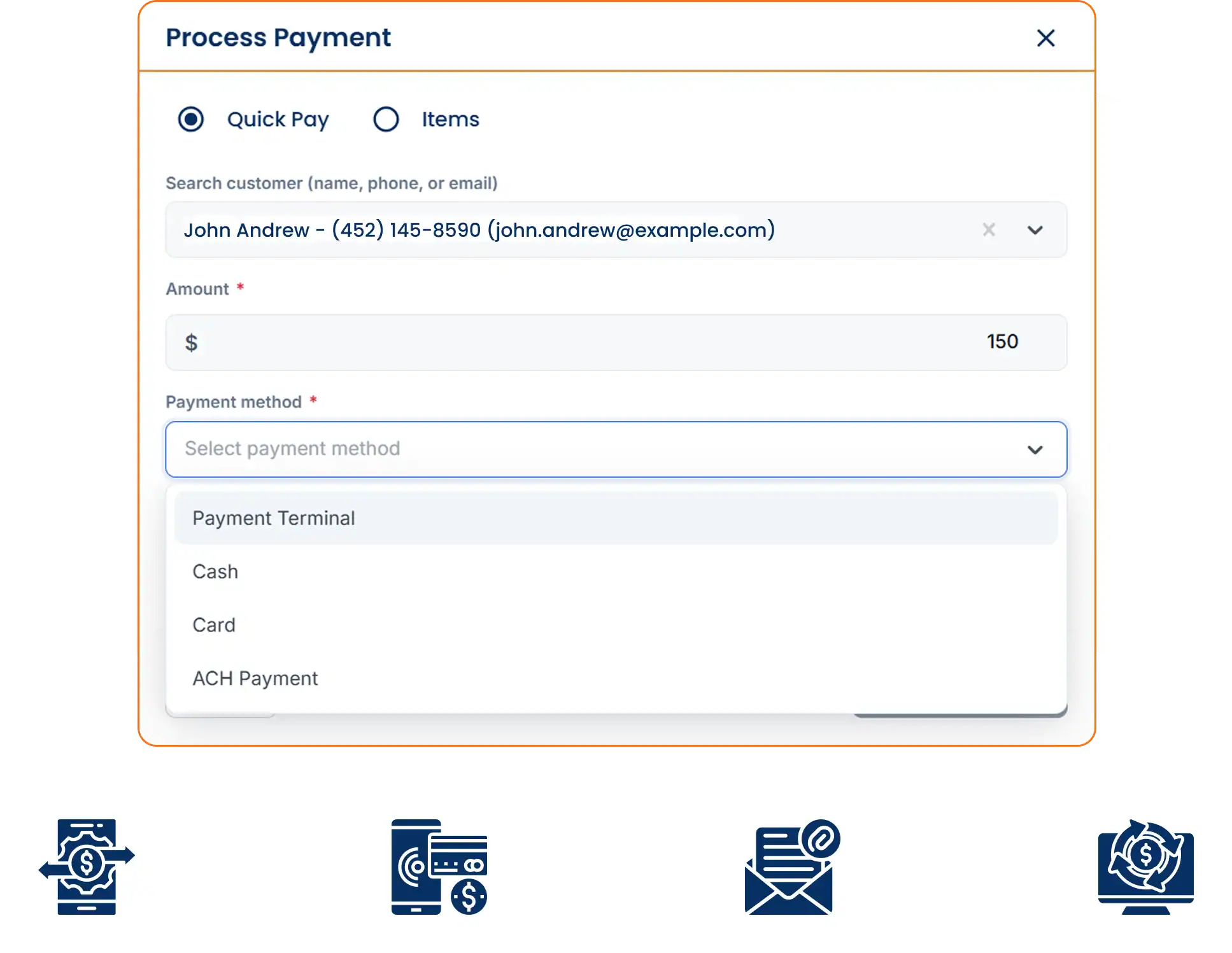
Deposit and balance invoices with card, ACH and digital wallet payment
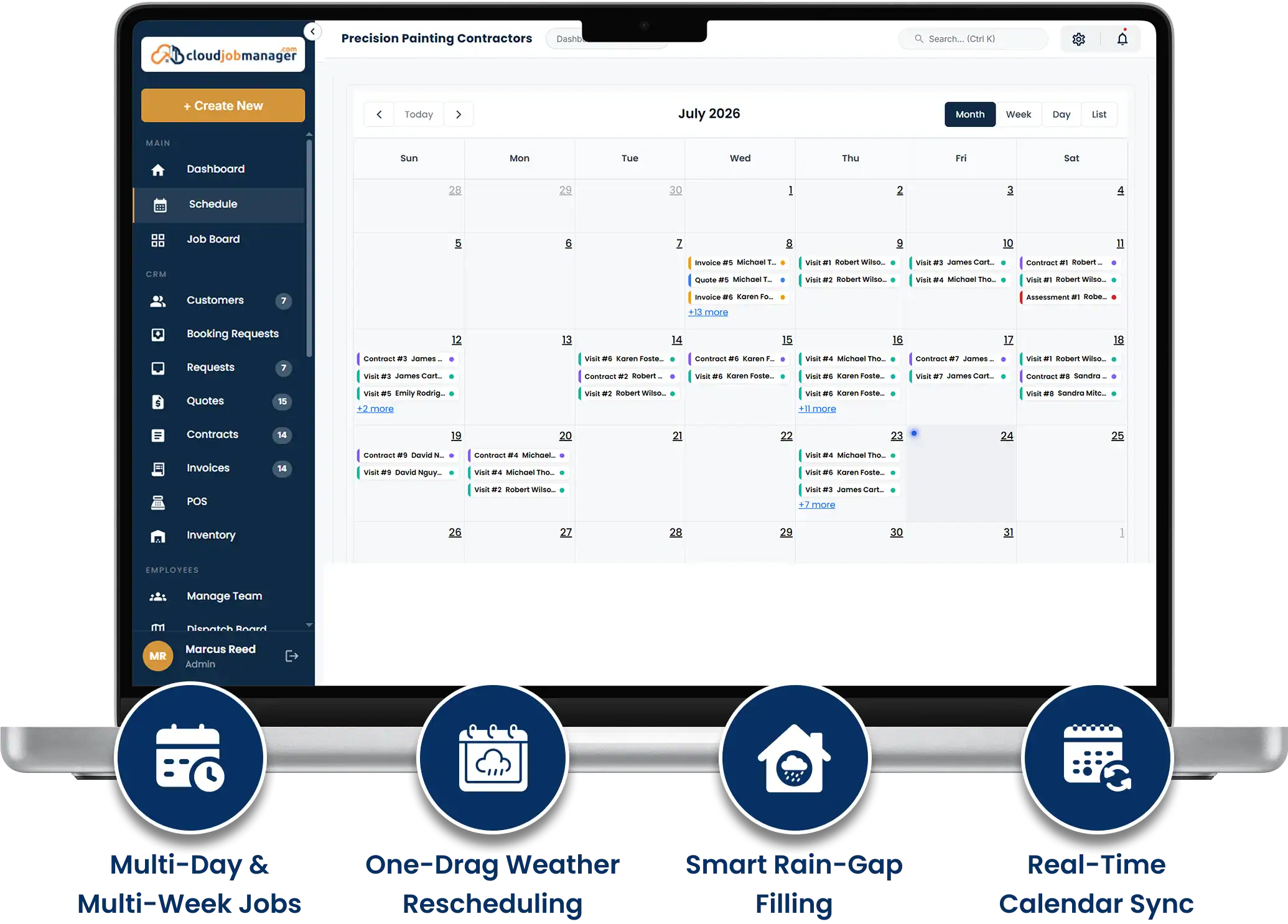
Multi-day scheduling for interior and exterior crews
Reports on revenue, deposits held and open balances

A homeowner asks for a quote on three rooms and the hallway. The request becomes a job on their record with any photos and colour notes they sent, ready for the walk-through.

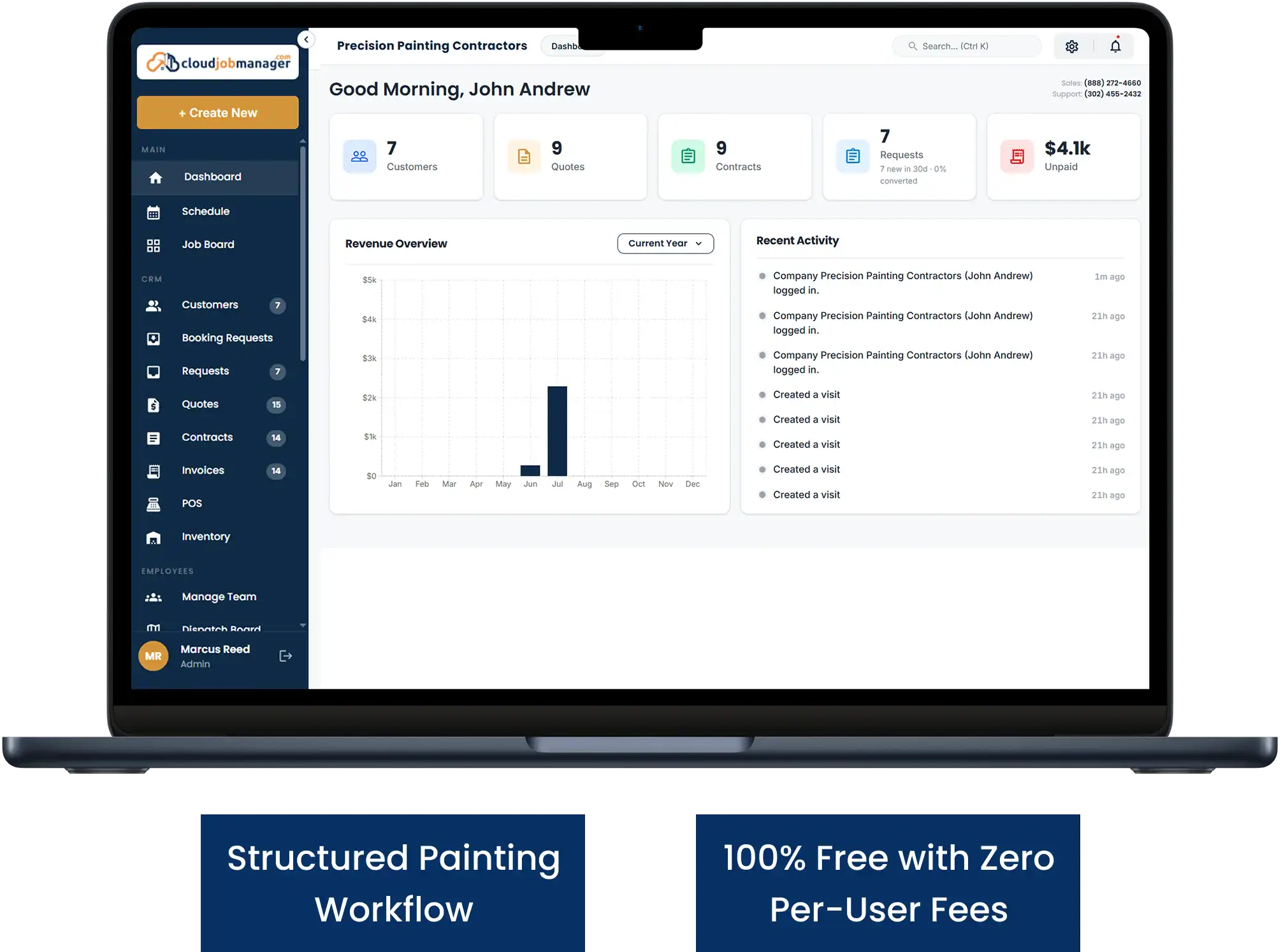
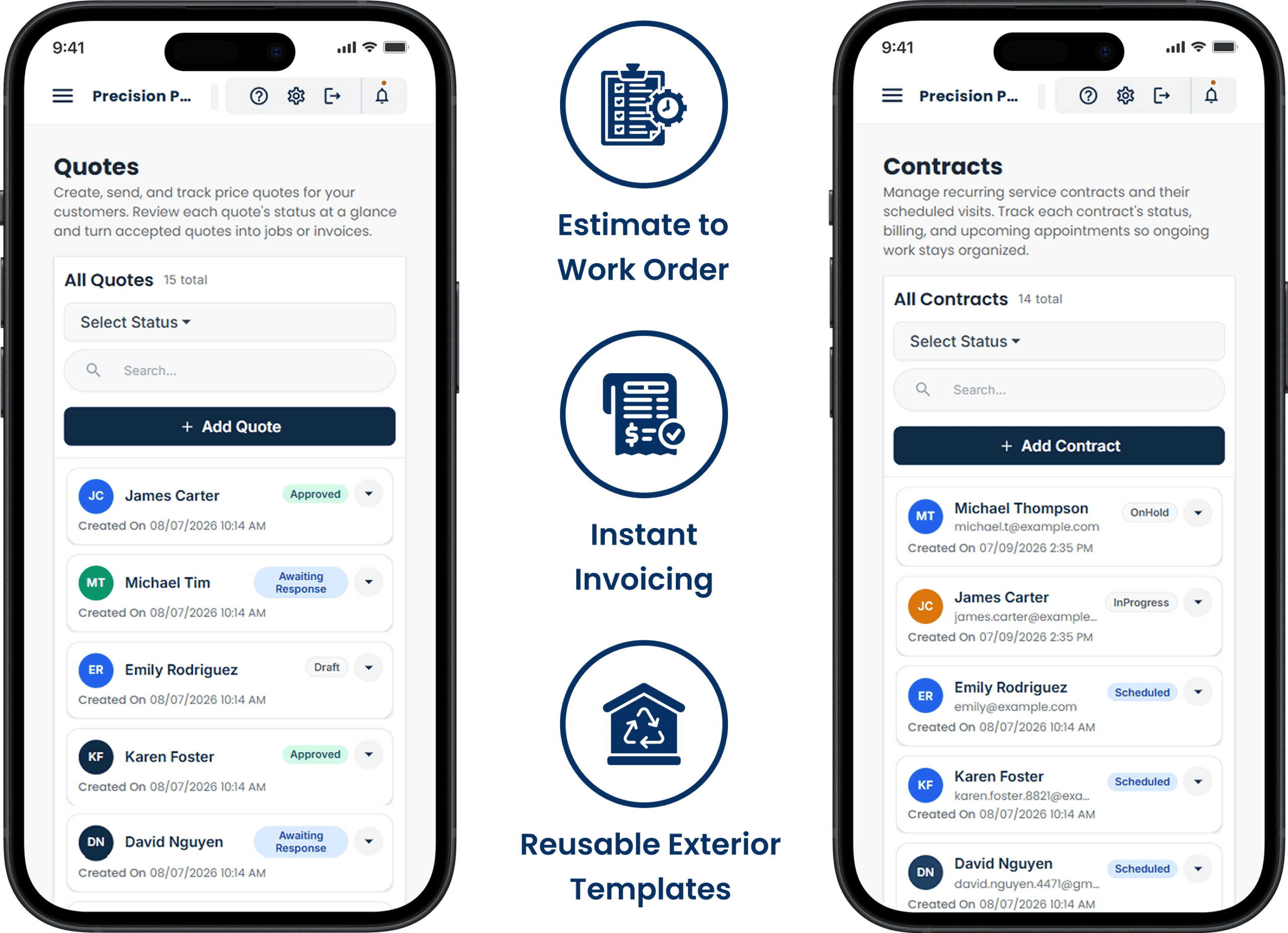
After the walk-through, price each room, the trim and the prep, and send it. The customer approves it on their phone, and the deposit pay link goes out the same minute.

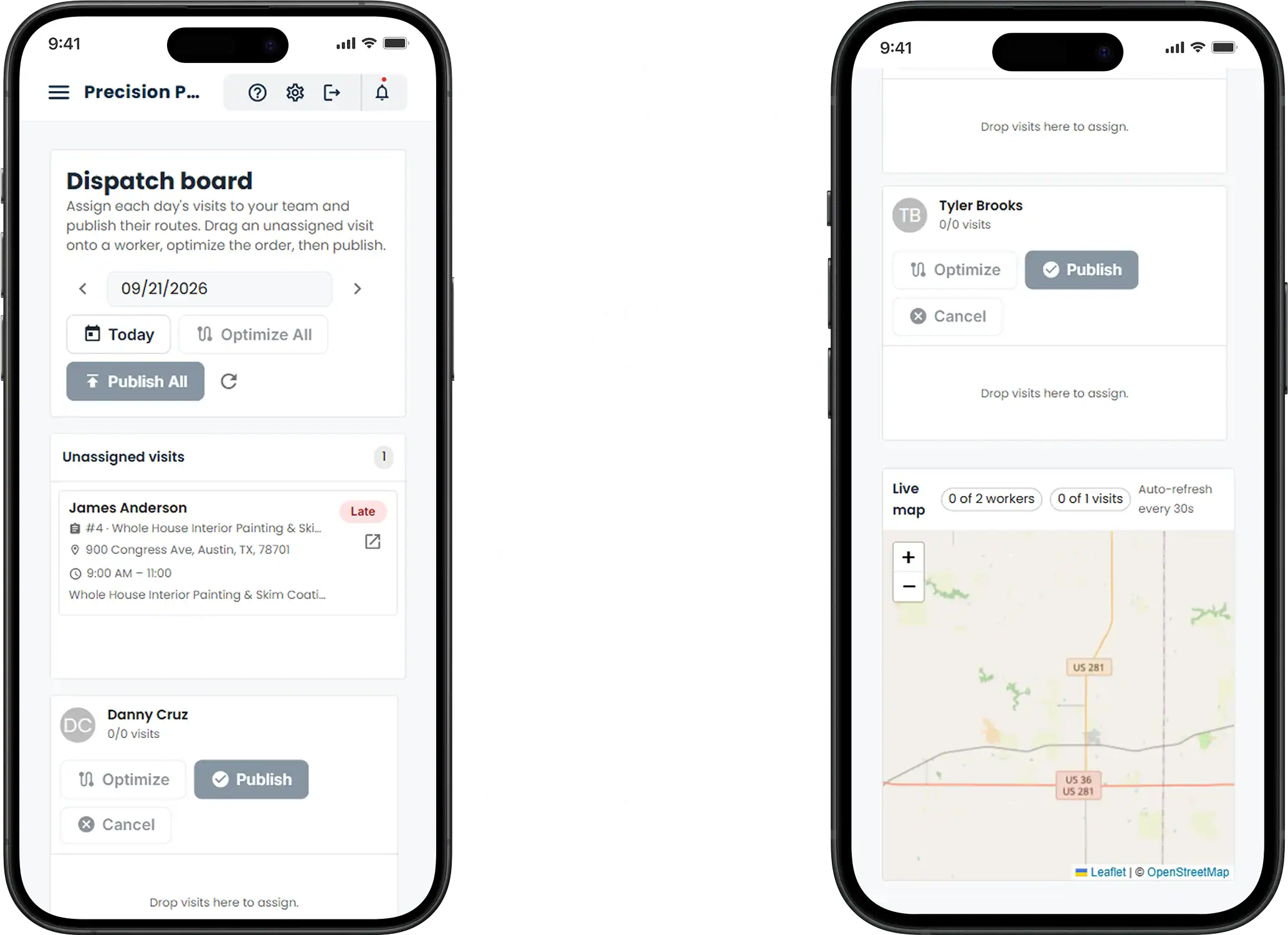
With the deposit paid, drop the job onto Tuesday, Wednesday and Thursday for the two-painter crew. They see the rooms, colours and prep notes in the app before they load the van.
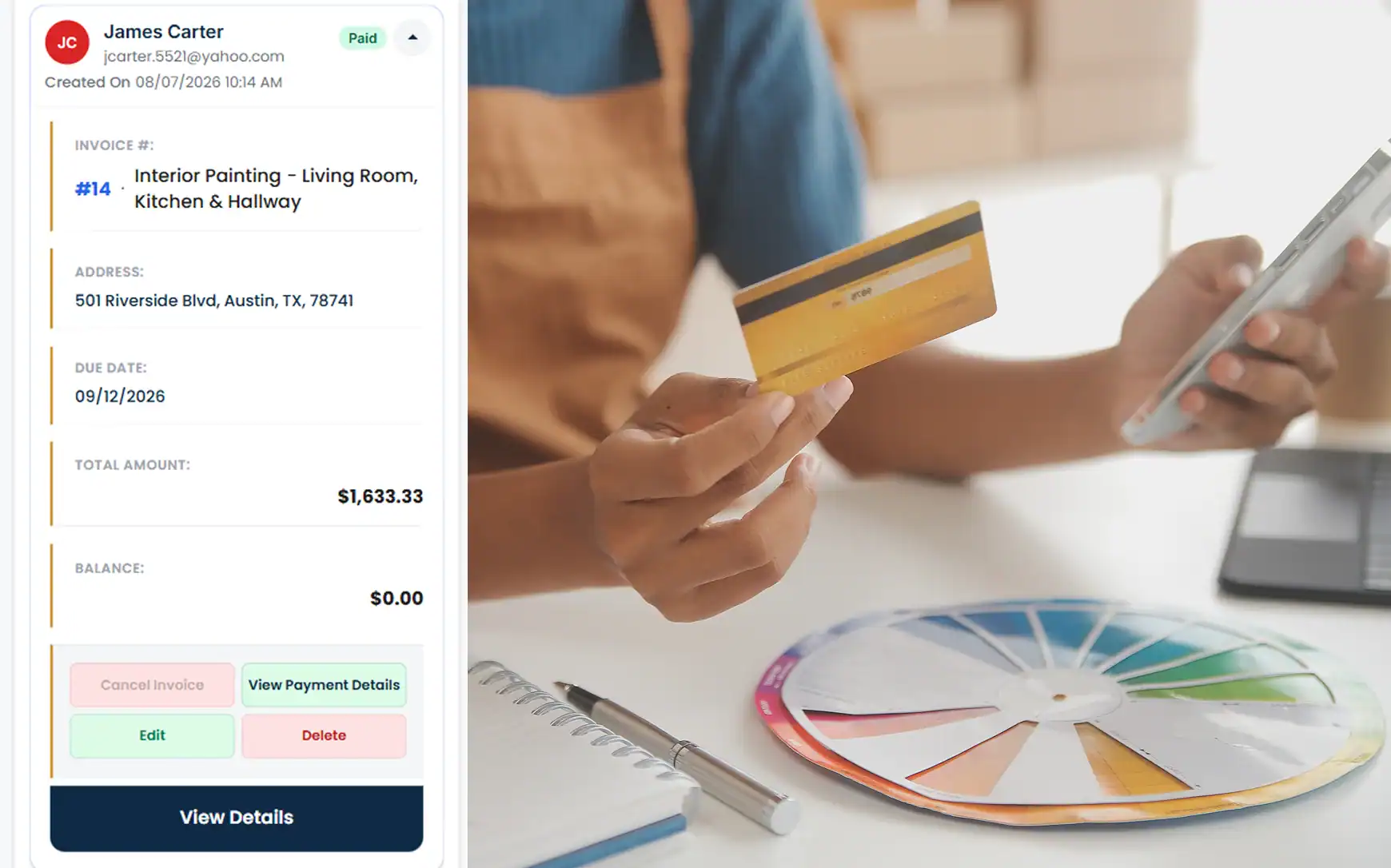
At the walkthrough, convert the estimate to the final invoice with the deposit deducted, and take the balance by card at the door or by pay link that evening.
Review completed and upcoming painting income.
See deposits on jobs that have not started.
Track booked days and outstanding balances.
Painter contractor software that charges by the seat makes a busy season more expensive than a slow one. This one does not. Painting contractors software should cost the same for a two-person crew as for four crews, and here it costs nothing. For the bigger picture, read about free job management software on the homepage or compare trades on the industries page. Our earlier painting contractors page covers the basics.
It manages the paper trail of a painting job: itemised room-by-room or exterior estimates, deposit collection on approval, crew scheduling across multiple days, change orders for added rooms or prep, the final invoice with the deposit deducted, and card or ACH payment at the walkthrough. One free Cloud Job Manager account, with the iOS and Android apps, handles the lot.
Yes. As soon as the customer approves the estimate on their phone, send a pay link for the deposit and they pay by card, ACH or digital wallet. The deposit is recorded on the job, and when you invoice the balance at the end it is already deducted, so the customer sees exactly what remains.
Yes. When a customer adds the dining room or the crew finds prep that was not in the original scope, add a change order to the job with its own price. The customer approves it before the work is done, and it rolls into the final invoice alongside the original estimate and the deposit already paid.
Yes. A job can span as many days as it needs, with the crew assigned to each day, so a three-day interior or a week-long exterior sits on the calendar as one job. Exterior work can be moved for weather in one drag, and the crew sees the new dates in the app immediately.
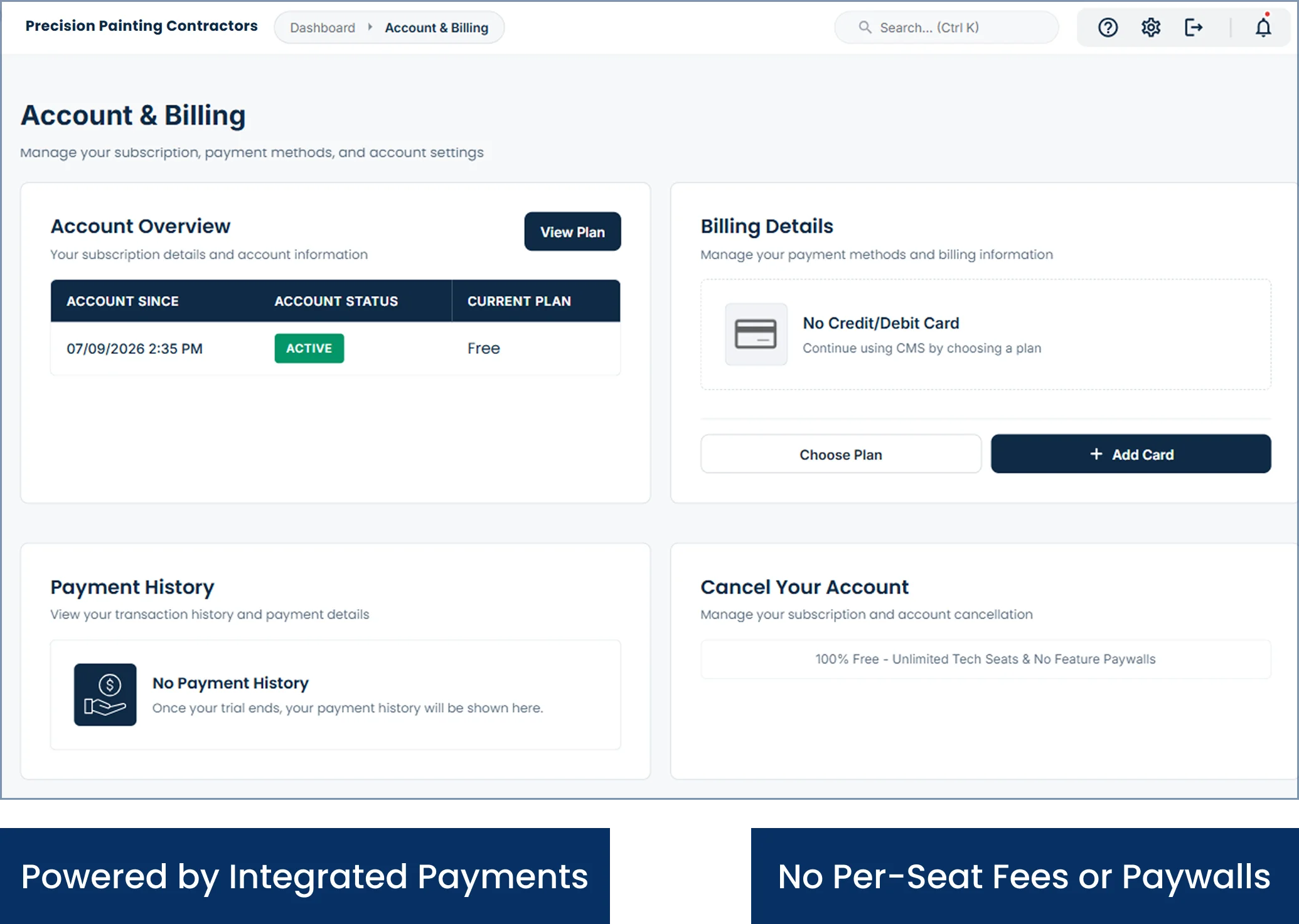
Yes. Cloud Job Manager has no subscription, no per-user fees, no tiers and no feature paywalls, so a two-person crew gets the same estimates, deposits, scheduling and payments as a company with four crews. Host Merchant Services payment processing is built in and covers the cost; you pay standard processing on payments and nothing for the software.