

Blueprint to Success: Cloud Construction Management for General Contractors
Construction projects almost never follow a perfectly straight line. Designs evolve, requirements shift, site conditions change, materials get delayed, and new instructions arrive while work is already in motion. General contractors live at the center of this ongoing movement, balancing plans, budgets, subcontractor schedules, and client expectations often across multiple locations at once.
The challenge isn’t just coordinating work. It’s coordinating information.
A project may have dozens of documents, drawings, permits, RFIs, change orders, spec sheets. Add in phone calls, texts from subcontractors, budget tracking spreadsheets, inspection notes, site photos, and conversations with the owner, and it becomes clear why miscommunication is one of the biggest causes of project delays.
Studies suggest that nearly half of construction delays are linked to coordination issues. That means schedule setbacks aren’t typically caused by poor craftsmanship or slow labor; they often begin with missing information, unclear hand-offs, or outdated documents floating around a job site.
This is where managing construction projects with software makes a difference. Instead of relying on scattered notes, outdated drawings, and endless email threads, cloud-based platforms give general contractors a shared workspace to manage project timelines, communication, documents, and budgets in real time.
It doesn’t replace the work done on site, it strengthens it by putting everyone on the same page.
Whether a GC oversees small residential remodels or major commercial builds, cloud systems help teams stay aligned, reduce rework, and understand project progress at a glance.
Below, we’ll explore how cloud-based tracking helps streamline communication, protect project budgets, and ensure that teams always work from the most current version of a plan.
Real-Time Collaboration Between Field and Office

Some of the most time-consuming problems in construction don’t happen because of technical complexity, they happen because information takes too long to reach the right person.
A site supervisor identifies an issue. They take a photo on their phone. They intend to email it later. Hours pass. Nothing happens.
Meanwhile, the crew keeps building based on assumptions. When the correct instruction finally arrives, work must be torn down and redone.
Situations like this are common, and they cost time and money.
With field service management software, information exchange breaks down from hours to minutes. Site supervisors can upload photos, comments, or RFIs directly from their phone, and project managers in the office see them instantly.
There’s no “I never received that email.” No “I didn’t get the latest plan.” Everyone sees the same information at the same time.
When a question arises a design clarification, a materials substitution, an unexpected condition the conversation becomes part of the project record.
- RFIs can be logged and answered in the platform
- Change orders can be drafted, shared, and approved digitally
- Notes and updates sync automatically so subcontractors have the latest instructions
The key advantage here isn’t just speed, it’s clarity. There’s a single place where people check for answers.
Cloud-based systems also reduce dependency on any one person’s inbox. If a superintendent steps away, a project doesn’t stall waiting for them to forward a file or reply to a message. Other team members can access relevant data and keep work moving.
In the construction world, momentum matters. When communication flows naturally between the field and the office, delays reduce and teams coordinate more confidently.
Milestones and Budget Visibility: The Pulse of a Project
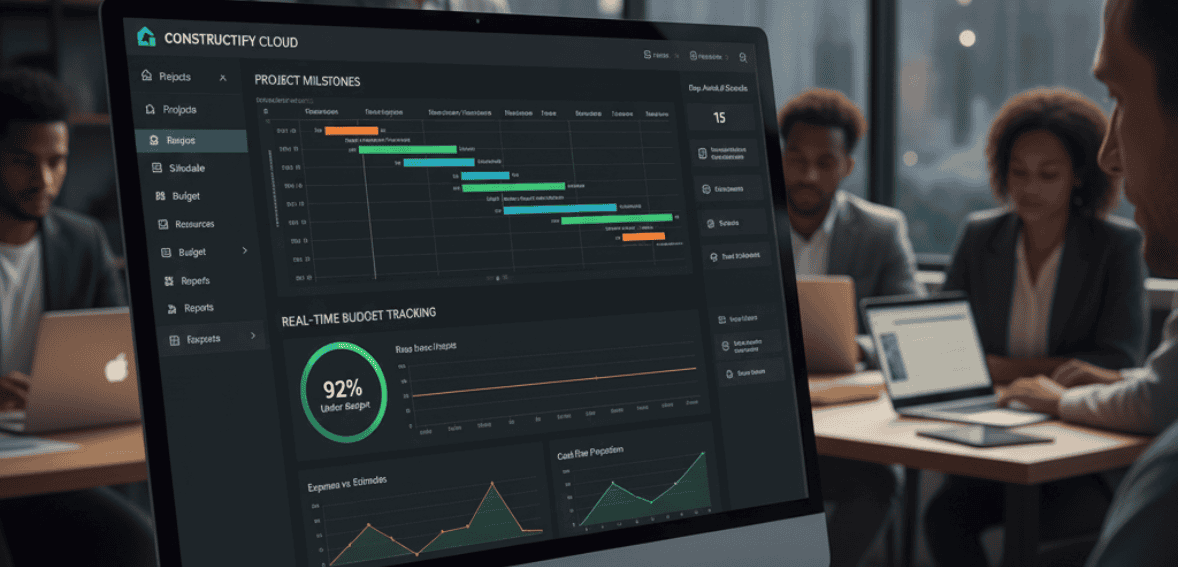
Every construction project has two lifelines:
- The schedule
- The budget
When either slip, the outcome changes sometimes dramatically.
Traditionally, tracking both required spreadsheets, long meetings, and phone calls. Updates arrived slowly, and by the time someone compared actual progress against planned milestones, it was already too late to course-correct.
Cloud construction management changes this dynamic by turning progress tracking into a daily practice instead of a reactive scramble.
Dashboards summarize:
- Percent of work completed
- Cost to date
- Remaining budget
- Upcoming deadlines
- Subcontractor progress
- Change order totals
Instead of manually gathering reports from the field, project managers can see at a glance whether work is on target or trending behind.
For example: If framing is scheduled for two weeks but only 30% is done after the first week, it’s a sign that resources need to shift. With digital tracking, that realization happens early, not at the end of the month during billing.
The same applies to budget performance. Unexpected expenses happen material price changes, additional labor, design revisions. Without visibility, these surprises can go unnoticed until they accumulate into a serious overrun.
With cloud-based tools, costs update throughout the project. When a change order is approved, the revised budget reflects immediately. If a subcontractor bills higher than expected, it becomes visible right away.
This early awareness allows project managers to act sooner adjusting scope, reallocating labor, or communicating with the client.
It’s not about eliminating surprises, construction always has them. It’s about spotting them before they grow.
Better oversight leads to better decisions, and better decisions keep projects healthy.
Document Management Without the Paper Chase
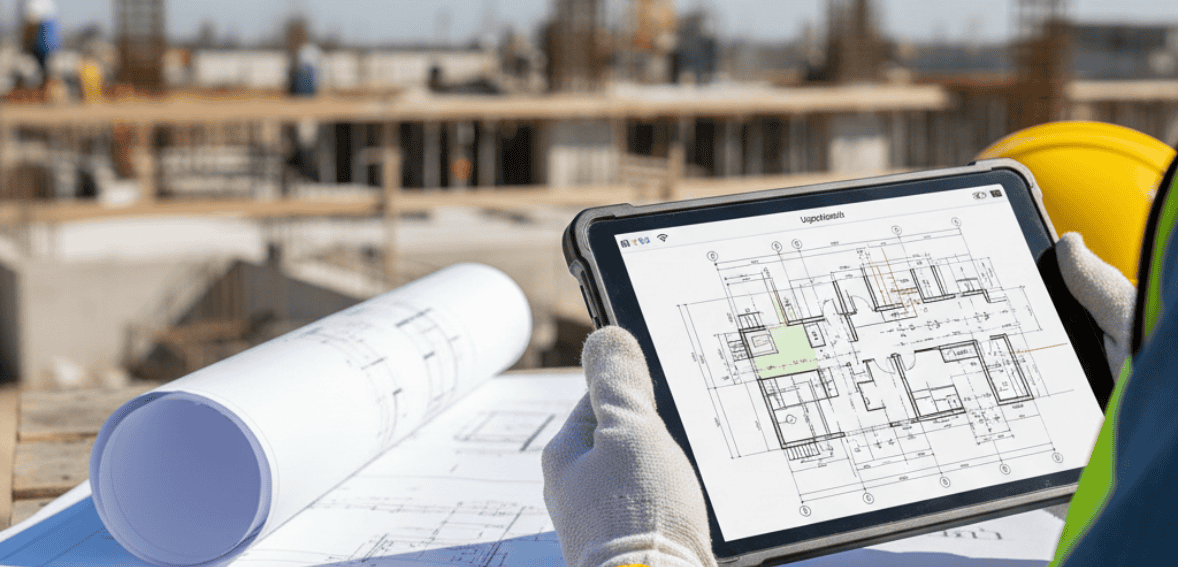
Construction sites have always depended on physical drawings, printed plans, and folders full of documents. The problem isn’t that the paper is unreliable, it’s that the paper doesn’t update itself.
When the architect uploads a revised drawing, only digital systems guarantee that everyone sees it. Paper copies, on the other hand, stay taped to a trailer wall, in a foreman’s truck, or buried in someone’s bag long after they’re valid.
That’s how mistakes happen. A team installs according to old dimensions. Another follows outdated safety notes. An inspector reviews the wrong revision entirely.
This is why document organization is one of the most practical benefits of cloud construction management.
Instead of sorting through shared drives, personal email threads, text messages, and printouts, every project document lives in one shared repository:
- Plans
- Permits
- RFIs
- Change orders
- Product specs
- Warranty docs
- Photos
- Submittals
- Material logs
- Safety data sheets
Teams don’t waste time wondering whether they have the right file, it’s all there. More importantly, everyone accesses the same version.
The platform becomes the single source of truth.
Field teams can open drawings on tablets, highlight details, and attach photos directly to relevant plan sheets. Office teams can track submittal approval or update spec sheets as needed.
Organized documentation isn’t just about efficiency it protects the project record. When discussions or disputes arise later, there’s clear documentation: who requested what, when it was approved, and which plan version guided the work.
This protects contractors and establishes transparency with clients.
Document control is one of the simplest ways to reduce rework, confusion, and risk and cloud platforms make it practical.
When Teams Share Information, They Share Accountability
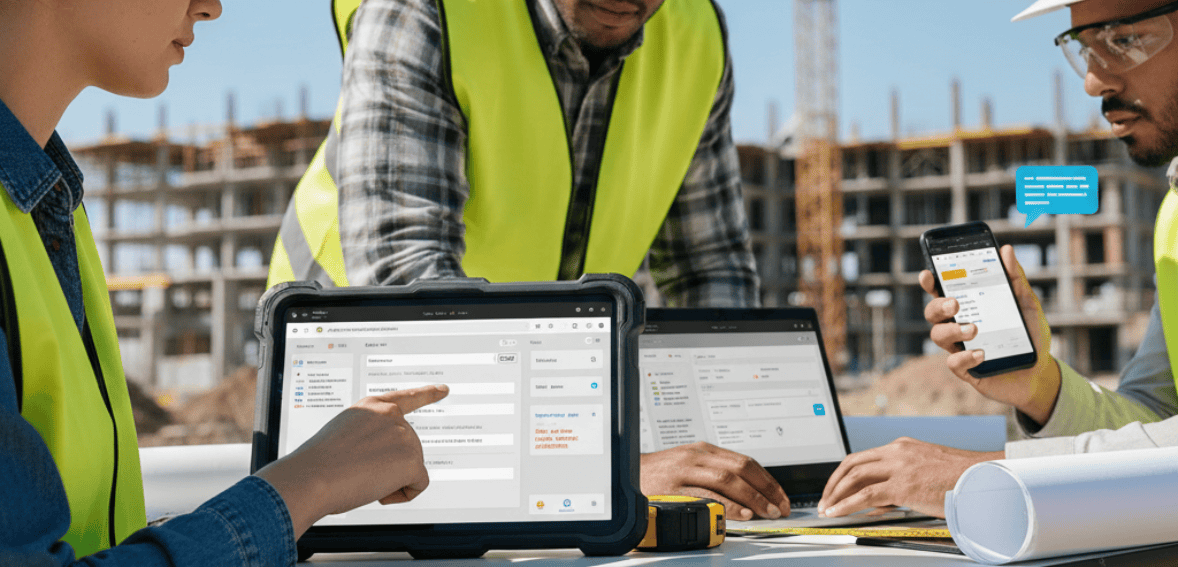
Construction has always been teamwork. Even a small project involves multiple contributors architects, engineers, site supervisors, subcontractors, material suppliers, and inspectors. When any one person is out of sync, the project feels it.
It’s not that people don’t care, it’s that information takes different paths to reach them. One subcontractor prefers texting. Another sends emails late at night. The site crew shares updates verbally at the tailgate meeting. The architect uploads updated drawings but forgets to notify the field.
With so many communication styles, things slip through the cracks. Cloud construction management tools create a central “conversation space.” Instead of information being scattered, all comments, questions, and updates live in one place tied to the relevant project.
This encourages shared responsibility. If a question is answered within the platform, everyone sees it.
If a subcontractor uploads progress photos, the office doesn’t have to wait to request them. If a project manager needs to make a clarification, it’s visible to all impacted parties, not just one individual.
This transparency reduces finger-pointing. When all decisions, instructions, and uploads are logged in the same system, it becomes clear how work is progressing and who handled each step.
This helps prevent situations where someone claims they never received a note or wasn’t told about a change. The platform keeps the record.
Ultimately, collaboration becomes more structured, less about chasing people and more about working with the same set of facts.
And even though it sounds simple, that alone saves more time than most realize.
Visibility Across Multiple Projects – Without the Overwhelm
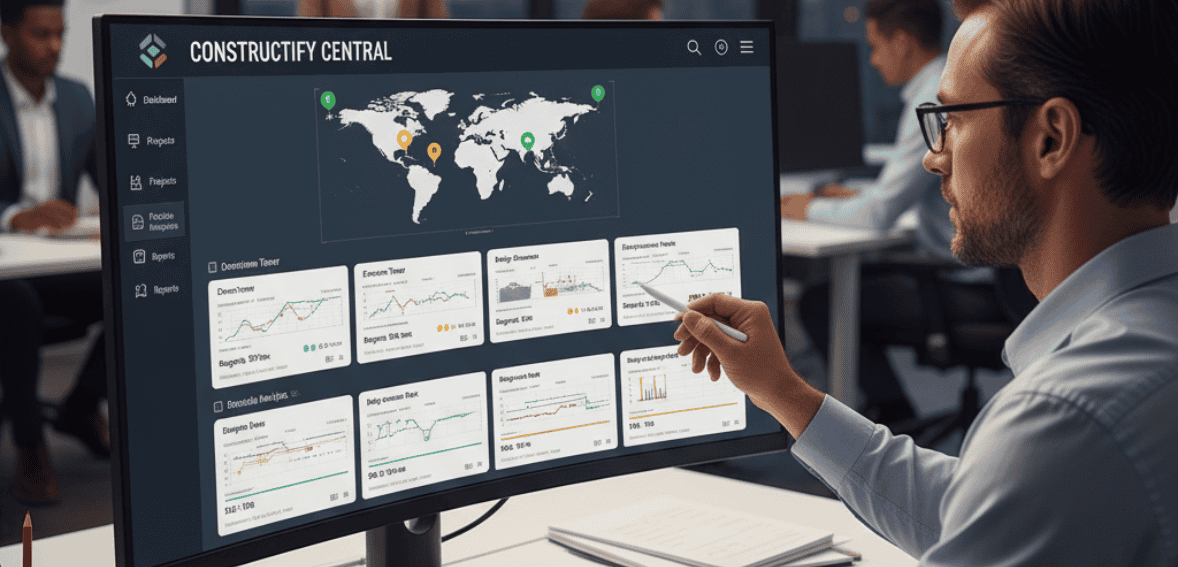
A general contractor rarely has only one job at a time. Some weeks, the workload might involve:
- A kitchen renovation finishing electrical
- A commercial build entering rough-in phase
- A new home awaiting inspection
- Another project held for material delivery
Without visibility, it’s hard to know where attention is most needed.
Cloud construction management platforms give superintendents and project managers a wide-angle view. They can see every active job with a quick scan:
- Which projects are on pace
- Which phases are complete
- Which tasks are blocked
- Which subcontractors are behind
- Which documents still need review
This makes prioritization easier. If one project is drifting away from schedule, PMs can pull resources or adjust sequencing before the slip becomes too large to recover.
It also helps companies grow without losing their grip. When updates from multiple projects flow into a single dashboard, a firm doesn’t need a bigger office staff just to keep up. They simply need better organization.
In a business where timelines overlap, this clarity makes the biggest difference.
Document Availability Improves Site Safety

Safety documents are often scattered, some in binders, some in office folders, others in trucks. When they’re needed quickly, it becomes a hunt.
Cloud systems eliminate the chase.
- MSDS sheets
- Safety protocols
- Toolbox talk notes
- Risk assessments
- Orientation materials
All stay accessible on phones or tablets.
If a question arises about equipment clearance, PPE requirements, or chemical handling field teams pull up the document instantly. This encourages compliance and reduces downtime waiting for clarification.
Safety requires preparedness. Cloud platforms simply make that easier.
Data Doesn’t Just Organize – It Teaches
Every project reveals lessons. Some are obvious scheduling issues, miscommunication, material shortages. Others are subtler: certain subcontractors consistently deliver on time, specific permit offices move slowly, particular equipment takes longer to source.
With cloud construction management, these patterns are easier to track because the data lives in one place.
Over time, project history helps GCs:
- Predict schedule risks
- Build better budgets
- Create stronger subcontractor lists
- Improve bidding accuracy
- Understand common bottlenecks
The past becomes a planning tool.
Instead of guessing how long a phase should take or how much certain trades cost, GCs can reference actual performance.
That makes future projects smoother and more predictable for both team and client.
Conclusion
Construction will always involve complexity changing conditions, evolving designs, and many hands working in sequence. But the most consistent problems don’t stem from building; they stem from managing the flow of information that makes building possible.
That’s why cloud construction management has become such an important part of the general contractor’s toolkit.
It gives structure to the chaos. It turns scattered communication into shared knowledge. It anchors project milestones and budgets, so decisions aren’t guesses. It keeps documents current so no one builds from memory or outdated prints.
When teams in the field and office operate from the same source of truth, rework declines, coordination improves, and projects finish more smoothly. This is how delays shrink, costs stay contained, and clients feel confident rather than uncertain.
Good construction isn’t only about craftsmanship. It’s about clarity knowing what needs to happen, when, and why.
Cloud-based project tracking supports that clarity. It helps teams collaborate, understand progress in real time, and adjust before small issues become major setbacks.
The blueprint for success isn’t just on paper anymore. It’s shared live, accessible, and accurate wherever work is happening.
FAQs:
How is project tracking different for a general contractor versus a subcontractor?
A general contractor (GC) oversees the whole project – multiple trades, schedule phases, and overall budget – while a subcontractor focuses on their specific scope. For GCs, tracking means seeing the big picture: which phase is on track, which subcontractor might be falling behind, and how changes impact the schedule and costs. It’s more complex, which is why GCs benefit greatly from cloud project management tools that aggregate all that info.
Can cloud project management really improve on traditional spreadsheets and emails?
Absolutely. While many contractors use spreadsheets, those can become outdated quickly and don’t notify anyone of changes. Cloud platforms act as a single source of truth – when the site superintendent marks a task complete or uploads a photo, everyone (office and field) can see it in real time. This reduces the endless email chains and version confusion. It also means less time spent in meetings or on calls trying to get status updates – the info is live on the platform.
How do these tools handle documents like blueprints?
Most cloud construction management systems have a document module. You can upload plans, permits, contracts, etc., and control versions. For example, if an updated architectural drawing is released, you upload it and mark it as the new current version – the old one gets archived. Team members in the field using a tablet will always pull up the latest plan (no more accidentally working off an old blueprint). Some even allow markups or RFI tracking right on the digital plans.
What about cost tracking and change orders?
Good project tracking software will tie in cost management. As a GC, you can input your budget and then log or link expenses and subcontractor invoices to the project. It will show you, say, 75% of the electrical budget is spent when that phase is only 50% done – a red flag to investigate. For change orders, the system can formalize the process: a subcontractor or client can submit a change, you approve it, it updates the scope, schedule, and budget records, and everyone sees that change reflected (including generating documentation for sign-off). This ensures changes are not just agreed verbally but properly tracked and billed.
Why choose CloudJobManager for general contracting?
CloudJobManager is built to give general contractors 360° visibility into their projects. You can see each job’s timeline, who’s assigned, and any flagged issues on one screen. It supports collaboration by allowing your subcontractors to have limited access – they can update their task status or upload daily reports, for instance – feeding information to your dashboard. It’s also great for keeping a handle on multiple projects at once; if you’re a GC running 5 builds simultaneously, CloudJobManager lets you monitor all schedules and budgets in one place, sending you alerts if something goes off track. And with its cloud document storage, all your plans and permits are a click away, which means fewer site visits just to drop off paperwork and more time ensuring the project itself runs smoothly.