
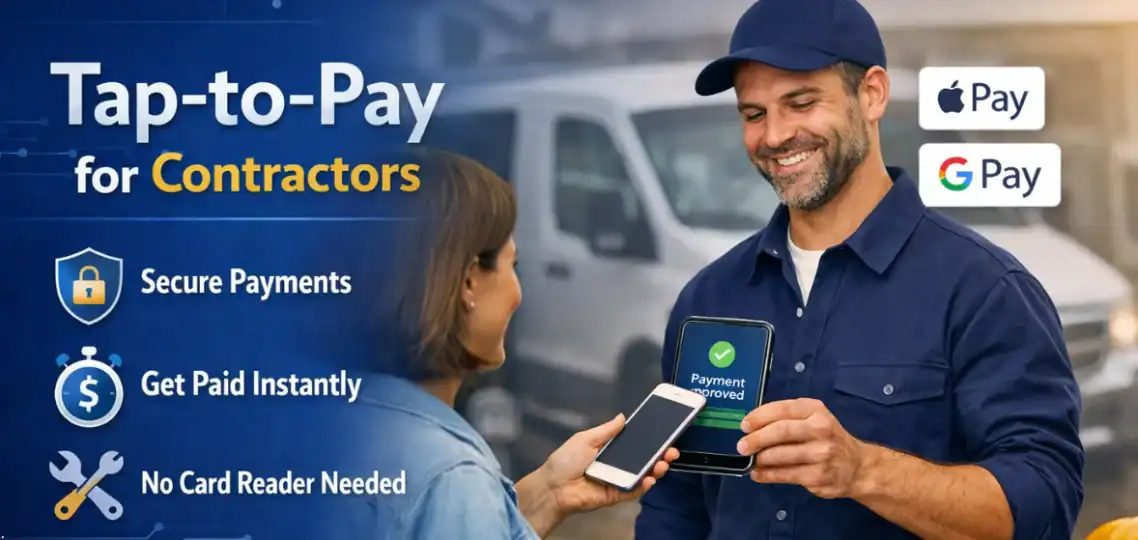
Tap-to-Pay for Contractors: How to Take Payments Without a Card Reader
For contractors, whether you’re a plumber, electrician, landscaper, or general handyman, receiving payments can be one of the most stressful parts of your job. You complete a project, provide excellent service, and then you wait… and wait… for the payment to arrive. Some clients may pay by check, some by cash, and some might even forget altogether.
Now imagine a different scenario: you finish a job, pull out your phone, open a payment app, and the customer simply taps their card or phone. The payment is completed instantly, no card reader required, and the money is deposited into your account within minutes. This is the power of tap-to-pay for contractors.
In this blog, we’ll dive into everything a contractor needs to know about tap-to-pay technology, including how it works, the benefits, security measures, and how to implement it seamlessly into your workflow. By the end, you’ll understand why contactless payments are quickly becoming the standard for field service professionals.
What Is Tap-to-Pay Technology
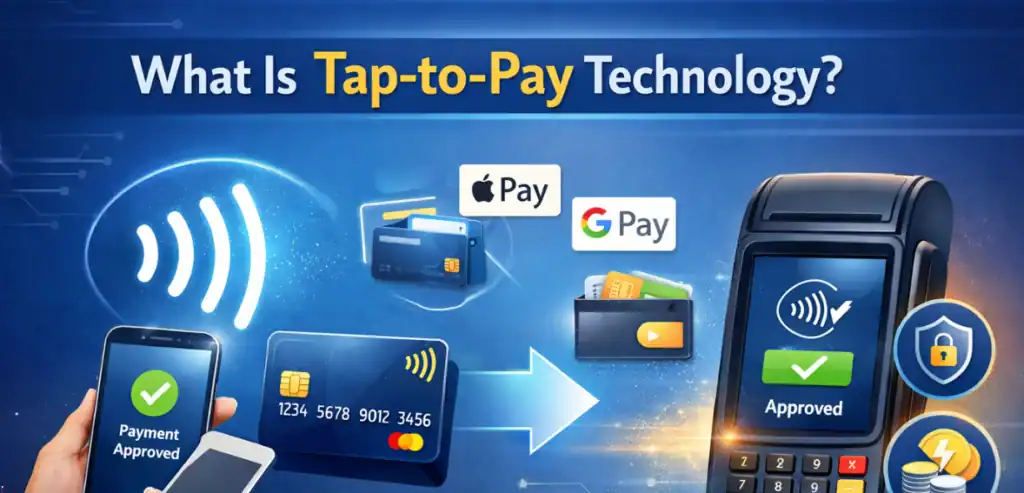
Tap-to-pay technology is a contactless payment method that allows contractors to accept payments without swiping, inserting, or using a separate card reader. With an NFC-enabled phone or tablet, you can accept cards on phone or mobile wallet payments like Apple Pay or Google Pay, all directly from your device.
Originally, contactless payments were primarily used in retail stores with specialized terminals. Over time, smartphones evolved to include NFC technology, enabling small businesses and field service contractors to accept payments anywhere, anytime.
Many contractors have already embraced tap-to-pay technology to simplify daily operations. For example, a plumber who visits multiple homes in a day can receive payment immediately after each job without returning to the office to deposit checks. An electrician handling emergency calls can complete the service and get paid instantly, even late at night. Landscapers finishing weekly maintenance schedules can collect payments on-site, reducing paperwork and minimizing missed or delayed payments. Using a smartphone instead of a separate card reader reduces hardware costs and eliminates the need to manage multiple devices. These real-world scenarios show how tap-to-pay is not just a convenience but a productivity tool, helping contractors focus on their craft while keeping their cash flow steady and predictable.
Key Features of Tap-to-Pay
- Accepts credit and debit cards
- Supports mobile wallet payments (Apple Pay, Google Pay, Samsung Pay)
- Requires only an NFC-enabled smartphone or tablet
- Payment processing is secure and encrypted
- Transactions are instantaneous
By eliminating the need for a separate card reader, contractors can streamline operations and reduce costs for hardware, maintenance, and manual record-keeping.
Examples of Devices Supporting Tap-to-Pay
- Apple iPhone (iPhone 8 or newer) with Apple Pay
- Android smartphones with NFC capability for Google Pay
- NFC-enabled tablets for larger business setups
This technology enables contractors to carry fewer devices while improving the client payment experience.
How Contactless Payments Work
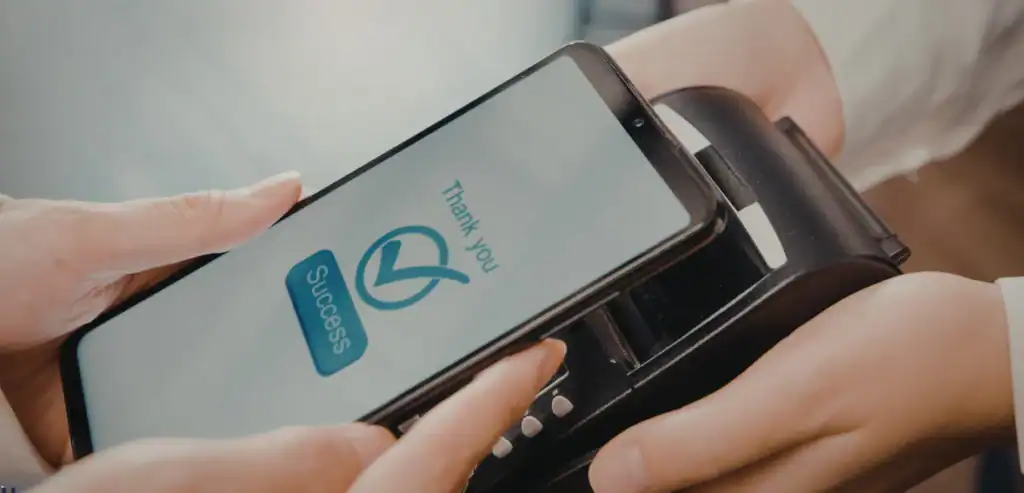
Understanding the mechanics behind tap-to-pay for contractors is simpler than it sounds. Contactless payments rely on Near Field Communication (NFC), a short-range wireless technology that securely transmits payment information between the customer’s device and your smartphone.
Step-by-Step Workflow
- Device ready – Open a tap-to-pay-enabled app on your NFC-enabled phone.
- Customer taps – The client taps their card, phone, or wearable device on your phone.
- Data encryption – The payment information is encrypted and replaced by a secure token to protect sensitive data.
- Payment approved – The payment processor verifies and deposits the funds into your account instantly.
This entire process happens in seconds, eliminating the delays of checks or cash transactions.
A Real-World Example
Imagine an electrician completing a last-minute repair at a client’s home. Instead of asking for a check or cash, the electrician opens their tap-to-pay app, enters $250, and the client taps their phone. The transaction completes instantly, the electrician gets paid, and both parties receive a digital receipt. This simple workflow saves time and enhances professionalism.
Mobile Wallet Payments
In addition to physical cards, tap-to-pay works with mobile wallets, which store multiple cards digitally. Customers can use Apple Pay, Google Pay, or Samsung Pay, all of which employ encryption and tokenization to ensure secure transactions.
The Benefits of Tap-to-Pay for Field Service Contractors
Implementing tap-to-pay technology offers several advantages for contractors. Below, we dive deep into each benefit with practical examples.
Accepting tap-to-pay also enhances a contractor’s professional image. Clients are increasingly familiar with digital payment methods and expect businesses to offer quick, seamless options. When a contractor can take payment instantly on a smartphone, it signals reliability, efficiency, and transparency. For instance, a home remodeling contractor completing a kitchen renovation can provide a digital receipt immediately, giving clients confidence that the payment was processed correctly. Similarly, a cleaning service offering tap-to-pay builds trust by showing modern business practices, which can encourage repeat bookings and referrals. Over time, offering these options helps contractors build a reputation as professional, tech-savvy, and client-focused, giving them an edge in a competitive market.
1. Instant Payments
No more waiting for checks to clear or chasing clients for cash. Payments are received immediately, improving cash flow and reducing the administrative burden.
Example: A landscaper finishes a $200 garden maintenance job. Using tap-to-pay, they receive the payment immediately, rather than waiting days for a check to be mailed.
2. Eliminates Extra Hardware
Traditional card readers can be bulky, require power, updates, and maintenance. With tap-to-pay, your smartphone is all you need. This reduces costs and simplifies your setup.
3. Boosts Professionalism
Accepting digital and contactless payments demonstrates that your business is modern and trustworthy. Clients often perceive contractors who accept mobile payments as more competent and reliable.
4. Faster Cash Flow
Immediate payment allows you to pay vendors, employees, and operational costs without delay. This is especially important for small businesses where cash flow can directly impact operations.
5. More Payment Options
Offering mobile wallet payments and contactless cards meets customers’ preferences. This can lead to higher satisfaction, more tips, and repeat business.
6. Streamlined Record-Keeping
Digital payments automatically generate records, which integrate seamlessly with accounting software. This reduces manual data entry and errors.
Example: A cleaning service can reconcile invoices directly from the payment app, saving hours of administrative work each week.
7. Reduced Payment Disputes
Digital receipts and transaction records make it easy to resolve any discrepancies with clients, reducing stress and potential conflicts.
When Contractors Should Use Tap-to-Pay
Knowing when to implement tap-to-pay ensures maximum efficiency and client satisfaction.
On-Site Payments
Instant payments at the job site eliminate delays and make the service experience seamless.
Emergency or After-Hours Work
For urgent requests, tap-to-pay allows clients to pay immediately, ensuring you get compensated quickly.
Small Jobs
For quick, low-cost jobs, cash or check may be inconvenient. Tap-to-pay simplifies small transactions.
Tech-Savvy Clients
Many clients prefer digital payments. Offering a contactless option improves customer experience and professionalism.
Multi-Site Contractors
If you move between locations frequently, tap-to-pay allows you to receive payments anywhere, without needing multiple card readers.
Security Considerations
Security is paramount when accepting payments digitally. Tap-to-pay uses advanced technologies to protect both contractors and clients.
Encryption and Tokenization
Payment information is replaced by a token, preventing hackers from accessing actual card numbers.
Device Authentication
Smartphones require PINs, fingerprints, or facial recognition before accepting payments, reducing unauthorized access risks.
Short-Range Communication
NFC works only at close range, making it difficult for malicious actors to intercept payments.
Monitoring and Alerts
Payment apps send instant notifications for every transaction, helping you spot unusual activity quickly.
Best Practices for Contractors
- Always use trusted, reputable payment apps
- Keep your phone and apps updated
- Confirm the transaction amount with the client before tapping
- Secure your phone with strong passwords or biometric authentication
How to Implement Tap-to-Pay Workflows
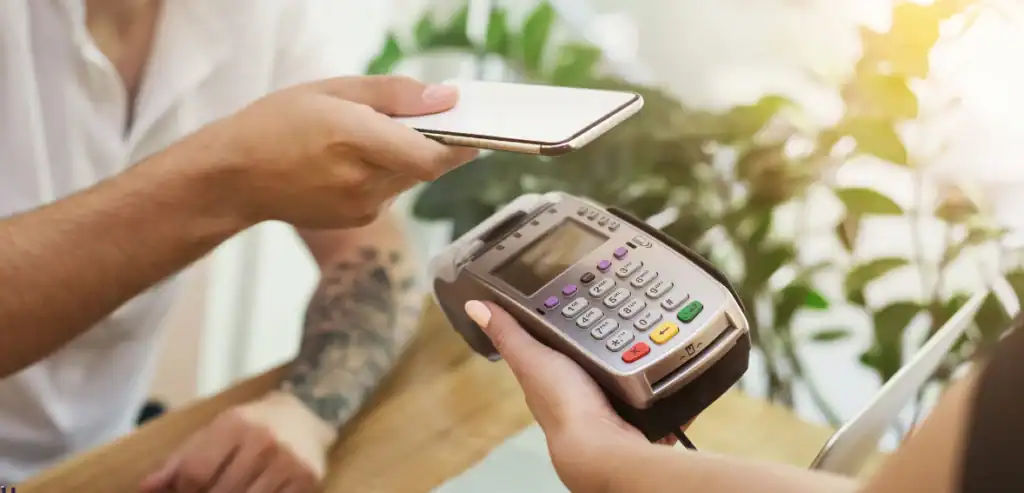
Here’s a comprehensive guide for contractors to adopt tap-to-pay technology effectively.
1. Choose a Tap-to-Pay App
Select an app that supports NFC payments and mobile wallets. Some popular choices include Stripe, Square, and PayPal Business apps.
2. Enable NFC and Install the App
Activate NFC in your phone settings and install the payment app of your choice.
3. Connect Your Business Bank Account
Link your bank account to receive instant deposits from completed transactions.
4. Prepare the Payment Screen
Enter the service amount and display the screen for customers to tap.
5. Educate Your Clients
Inform clients that they can pay with a tap — it’s fast, secure, and convenient.
6. Track and Record Transactions
Use apps that sync with accounting or CRM systems to automatically log all payments.
7. Troubleshooting Tips
- Ensure NFC is enabled
- Keep your phone battery charged
- Verify the client taps correctly
- Update the app regularly for security patches
To maximize the benefits of tap-to-pay, contractors can integrate it with other business tools. Scheduling and invoicing apps can automatically link completed jobs with payment requests, so customers receive digital invoices immediately after the work is finished. Recurring service contracts, such as weekly cleaning or maintenance, can be set up for automatic payments through mobile wallets, reducing the need for manual follow-ups. Contractors can also customize digital receipts to include branding, service details, and client notes, which strengthens professionalism and keeps records organized. By combining tap-to-pay with these workflow enhancements, contractors not only streamline payment collection but also improve customer satisfaction and reduce administrative workload.
Additional Tips for Contractors
- Promote Tap-to-Pay in Marketing – Highlight contactless payment options on your website, invoices, or service quotes.
- Offer Incentives – Encourage clients to pay digitally by offering small discounts for tap-to-pay transactions.
- Combine with Scheduling Software – Integrate payment apps with scheduling tools for seamless workflow.
- Use for Recurring Services – Tap-to-pay is ideal for monthly or weekly services, simplifying invoicing and collections.
Conclusion
Tap-to-pay for contractors provides a fast, convenient, and modern way to accept payments directly on a smartphone or tablet. By eliminating the need for bulky card readers and reducing reliance on checks or cash, contractors can get paid instantly, improve cash flow, and save valuable time. This technology also enhances professionalism, giving clients confidence that your business is up to date, reliable, and customer-focused.
Beyond convenience, tap-to-pay streamlines operations by simplifying record-keeping, integrating with accounting tools, and reducing payment disputes. With proper setup and security measures, contractors can ensure all transactions are safe, reliable, and seamless, creating a smoother payment experience for themselves and their clients. Adopting tap-to-pay is quickly becoming an essential tool for any modern field service business.
FAQs
What Exactly Is Tap-to-Pay for Contractors?
It’s a way to accept payments using a smartphone or tablet without a separate card reader, supporting credit/debit cards and mobile wallets.
Are Mobile Wallet Payments Safe?
Yes. Mobile wallet payments use encryption and tokenization to ensure secure transactions for both contractors and clients.
What Types of Payments Can I Accept?
Credit cards, debit cards, and mobile wallet payments like Apple Pay, Google Pay, and Samsung Pay.
Do I Need Technical Skills to Use Tap-to-Pay?
No. Most apps are user-friendly and designed for contractors with any level of tech experience.
Can I Accept Cards on the Phone Without Hardware?
Yes. NFC-enabled smartphones with a compatible app allow instant payments anywhere.