Cloud Job Manager

Junk Removal App — 100% Free

Most junk jobs are won or lost in the first hour: the customer texts three photos of a garage, wants a price by lunch and wants the truck there tomorrow. Cloud Job Manager is a junk removal app that lets you quote by load size from those photos, book the pickup, hand the driver the day’s list and take payment before the tailgate closes. The software is free for any junk removal business, with no per-user fees for drivers or helpers.
Junk Removal App — 100% Free

All-in-One Junk Removal Management

Quote, book, haul, get paid, repeat — a junk company runs the same loop dozens of times a week, and the only thing that changes is what is in the pile. A junk removal app has to keep every pickup on a customer record with the photos the customer sent, the estimate, the scheduled slot, the driver’s notes and the invoice, so a hoarder clean-out and a single-couch pickup follow the same path.
Junk Removal Management Features
  • Customer records with photos, estimates and pickup history

  • A dispatch board showing each truck's pickups for the day

  • Volume-based estimates converted to invoices in one click

  • Card, ACH and digital wallet payments taken at the curb

  • Reports on revenue per truck and unpaid invoices

Volume-Based Quotes and Same-Day Booking

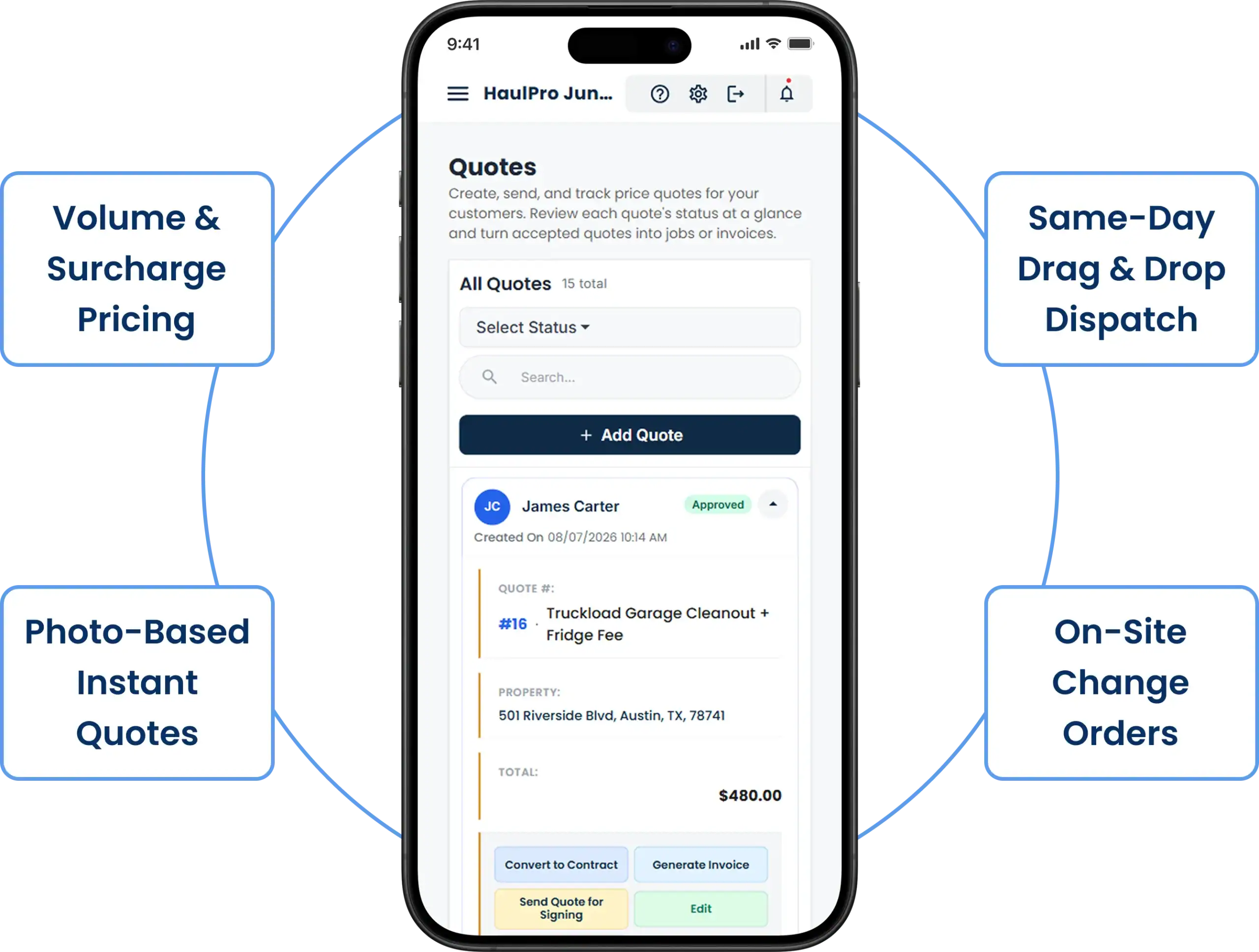
Junk is priced by the truck, not by the hour: a quarter load, a half load, a full 15-yard truck, plus the surcharges for a mattress, a fridge, a hot tub or a piano. Put those line items in your price list once and build every estimate from them. When a customer texts photos of a basement, attach them to the job, pick the load size, add the two appliances, and send the estimate — the customer approves it on their phone and the job is ready to schedule.
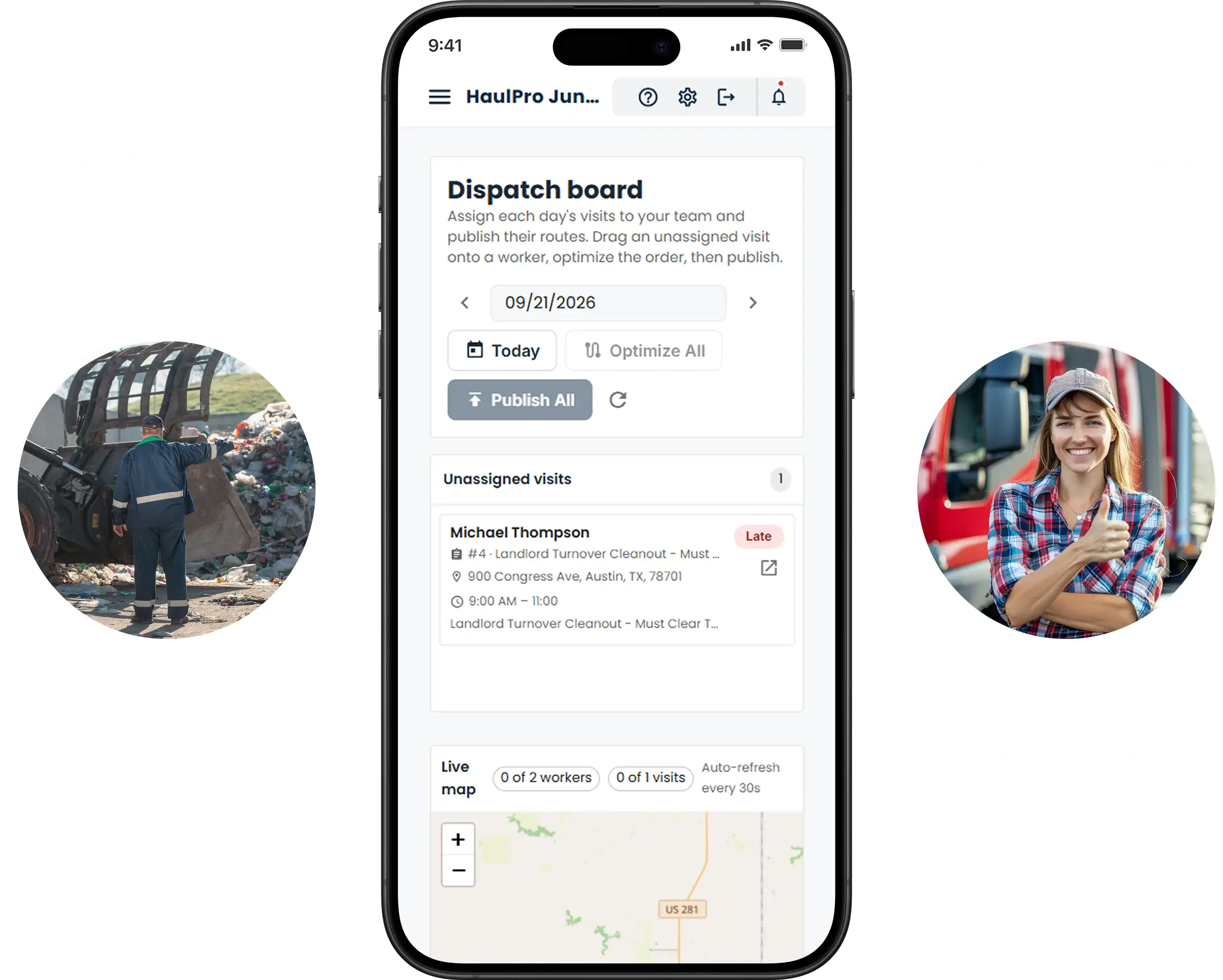
Same-day work is where a junk removal company makes its money. If a truck finishes a garage clean-out early, the office can see the gap on the dispatch board and slot in the afternoon call that just came in. Junk removal scheduling should be a drag onto a truck’s column, not a phone call and a promise.
Where the pile turns out bigger than the photos suggested, the driver adds a change order on site — from a half load to a three-quarter load — so the invoice matches what went on the truck.
Volume Based Quotes And Same Day Booking
A Junk Removal App For Drivers

A Junk Removal App for Drivers

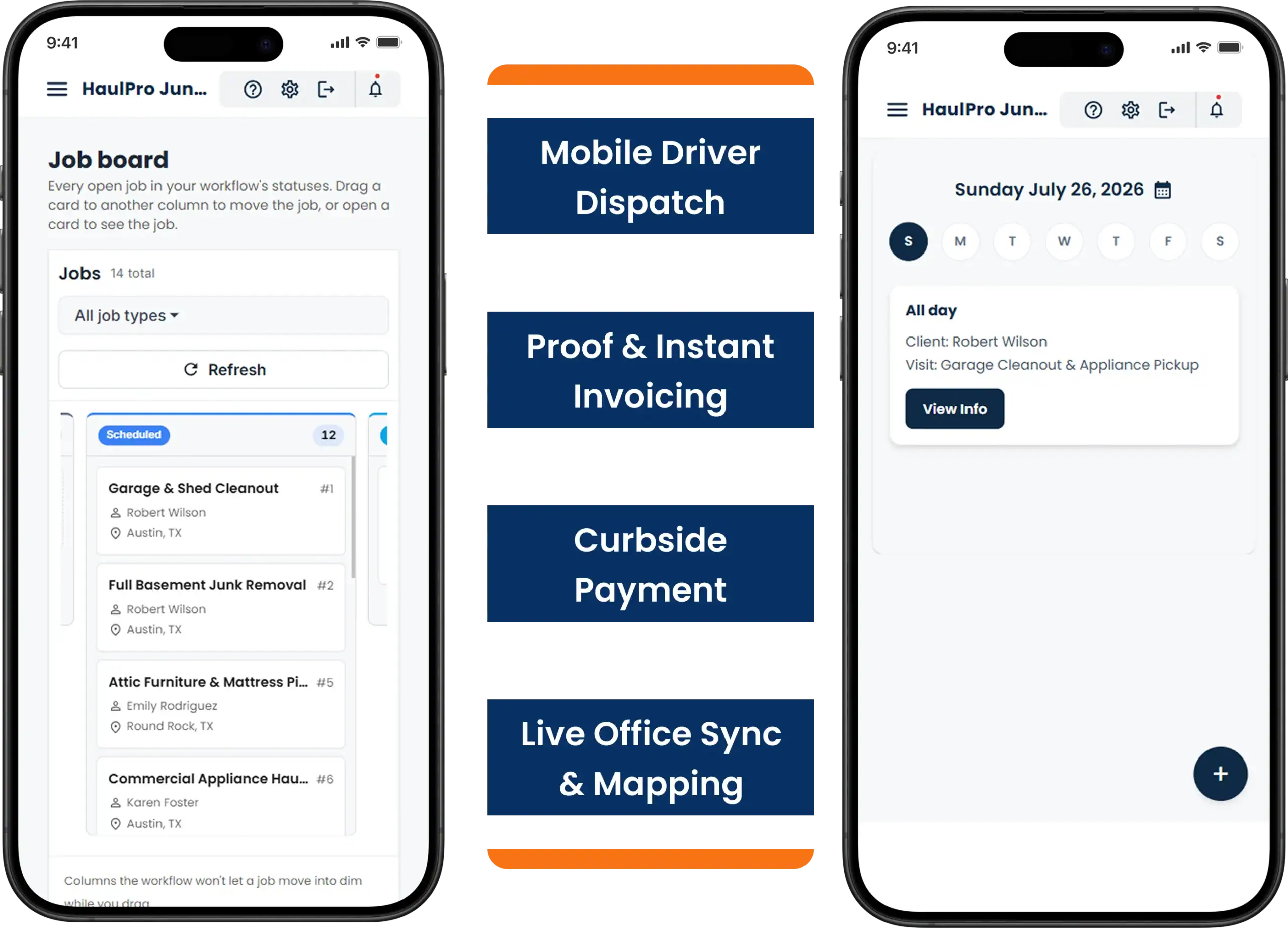
Junk removal apps for drivers have one job: show the crew what is next and let them close the job without calling in. On the iOS or Android app each driver sees the day’s pickups in the order you set, with the address, the customer’s photos, the quoted load size and the note that says “gate on the left, dog in the yard.” They mark the pickup done, add a photo of the empty garage, and convert the estimate to an invoice.
Then they take payment. Card, ACH or digital wallet at the curb, before the truck leaves — or a pay link texted to the customer who is at work and left the garage open. The office sees the status change and the payment land without a single phone call.
Cloud Job Manager shows pickups in the order you arrange them and does not plot the route for you. Pair Cloud Job Manager with whichever maps app the drivers already use to get from one pickup to the next.

Smart Scheduling & Job Tracking

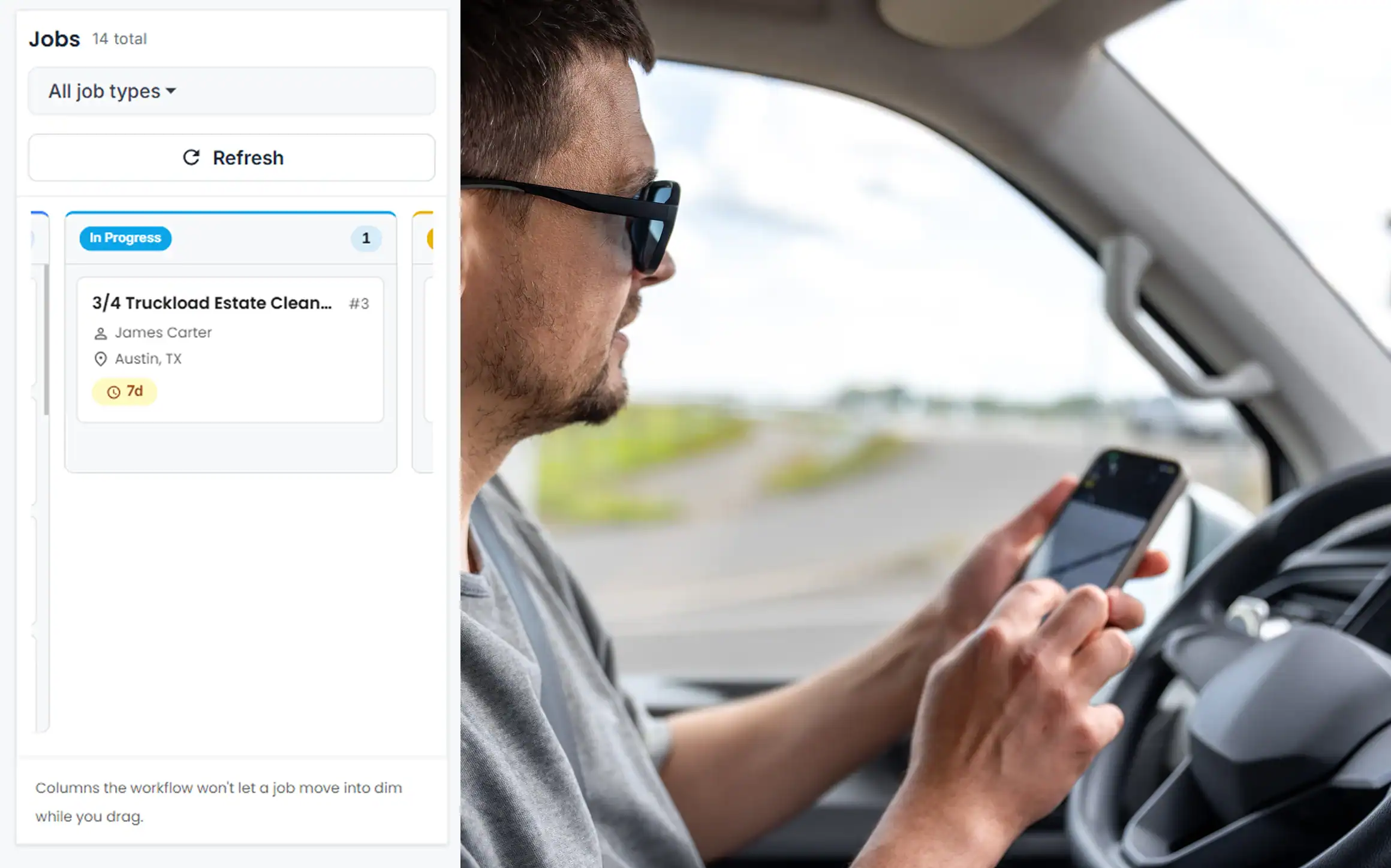
The dispatch board shows each truck as a column of pickups with live status: scheduled, en route, on site, done. A two-truck estate clean-out blocks both columns for the morning; a curbside sofa pickup fits in a 30-minute gap. Flag the landlord’s turnover job that has to be cleared before tomorrow’s showing, and see who can take it.
Smart Scheduling & Job Tracking
Estimates, Work Orders & Invoicing

Estimates, Work Orders & Invoicing

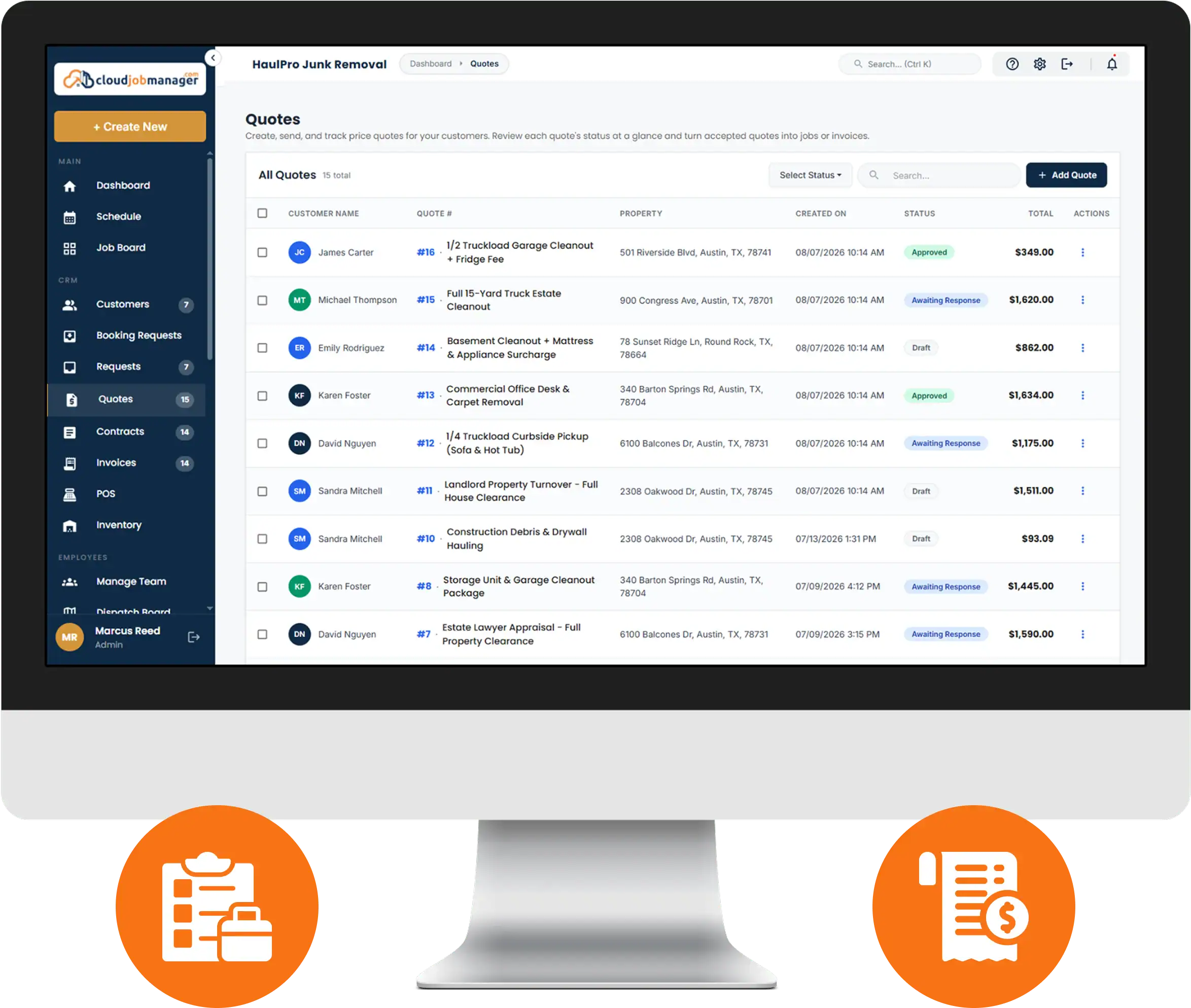
Build the estimate from load size and surcharges, attach the photos, send it, and get approval without driving out. The approved estimate becomes a work order the driver reads on site and, when the truck is loaded, an invoice in one click. If a customer wants a written quote for a landlord or an estate lawyer, the estimate they approved in the junk removal app is already the document.
The app also has to handle the jobs that grow: the “just the garage” that becomes the garage and the shed. A change order on the job keeps the paperwork honest and the driver out of an argument at the curb.

Manage Jobs From the Mobile App

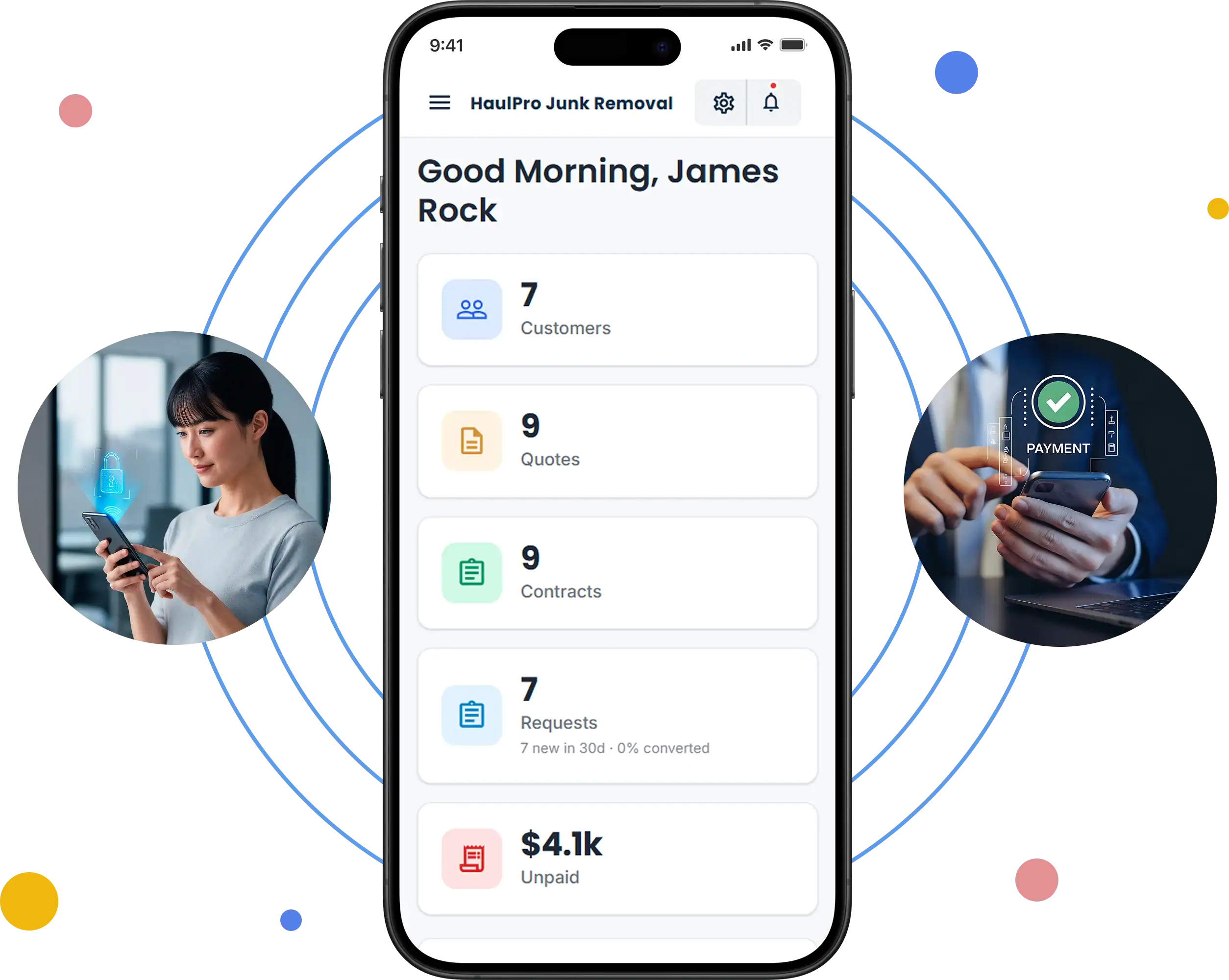
Drivers and helpers run the day from the iOS or Android app: schedule, customer details, photos, notes, status, invoice and payment. Nothing has to wait for the office to type it in later, and the owner can watch the board from the phone while driving the second truck.
Manage Jobs From The Mobile App

From First Call to “Payment Received” in Four Steps

HVAC Four-Step Workflow
Receive an HVAC service request in Cloud Job Manager

Receive the request

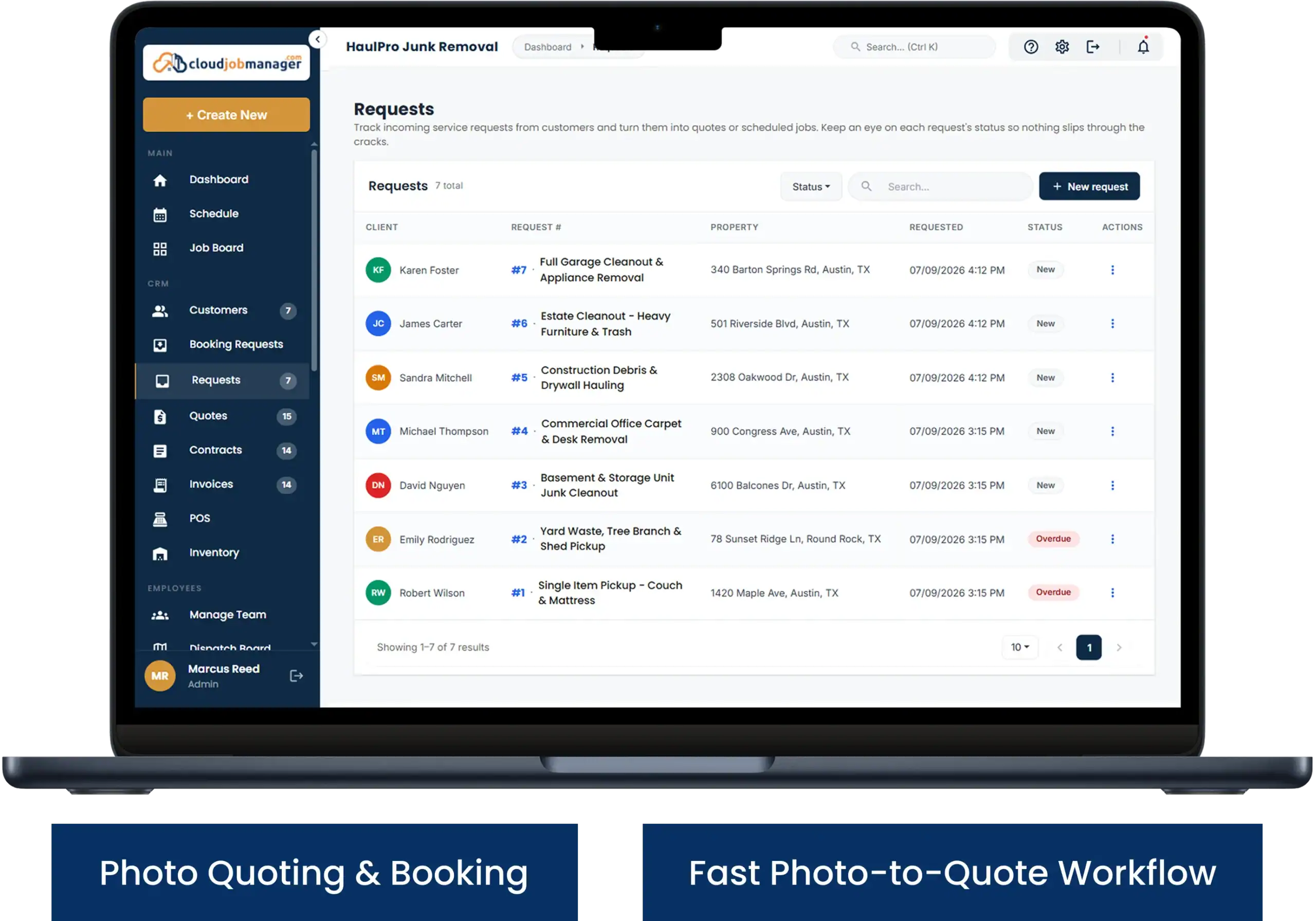
A customer texts photos of a garage and asks for a price. The request becomes a job on their record with the photos attached, so the estimate can be built without a site visit.

Send an HVAC estimate from Cloud Job Manager

Send an estimate

Choose the load size from the photos, add the fridge surcharge, and send it. The customer approves it from their phone and the job is ready to schedule for the next open slot.
Schedule an HVAC crew in Cloud Job Manager

Schedule the crew

Drop the pickup into a truck's column for tomorrow morning. The driver sees the address, photos and notes in the app before the truck rolls out.

Invoice an HVAC customer and record payment

Invoice and get paid

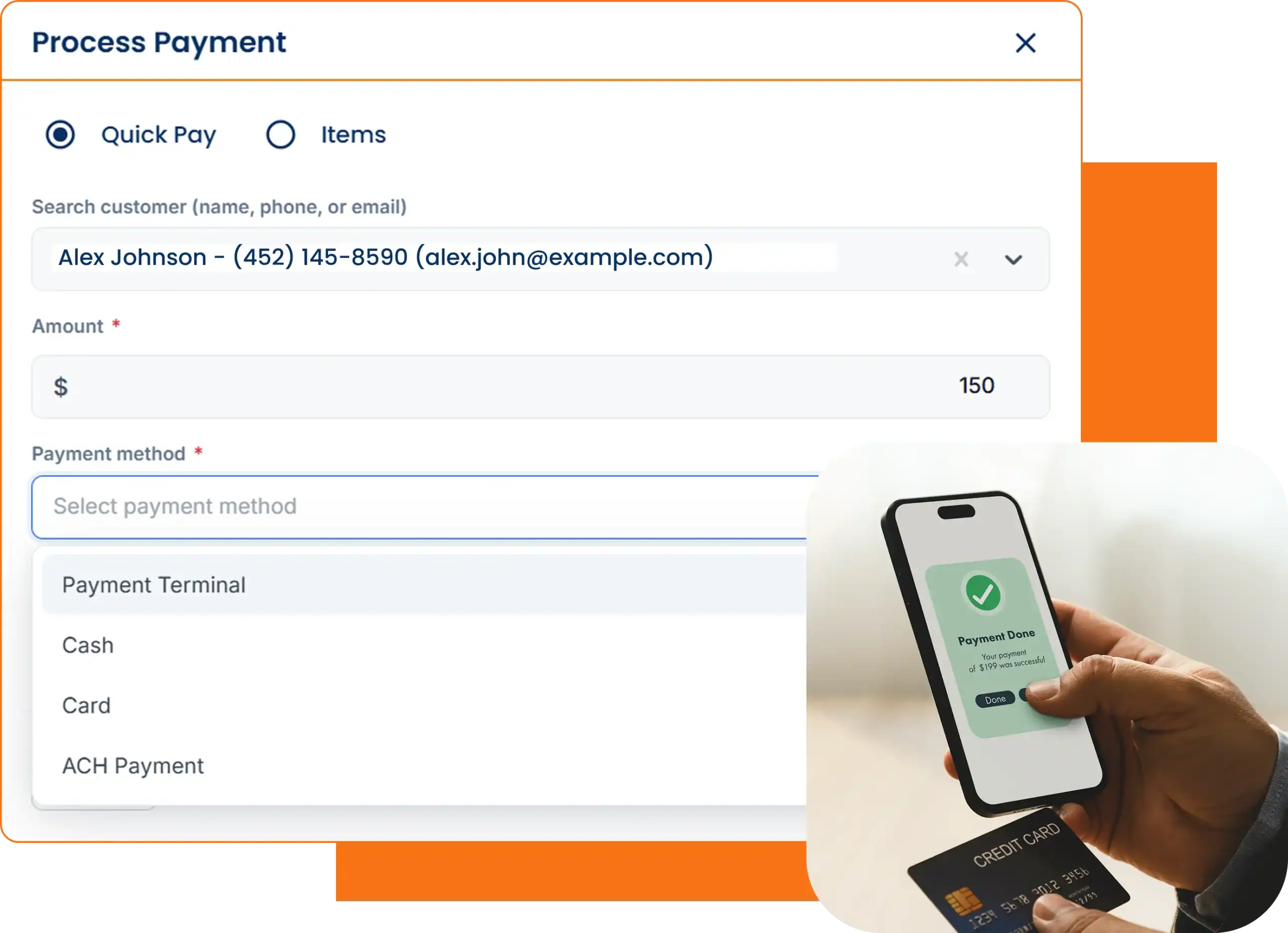
Loaded and swept, the driver converts the estimate to an invoice, adds the change order if the pile grew, and takes the card at the curb. The payment posts to the job before the truck reaches the transfer station.
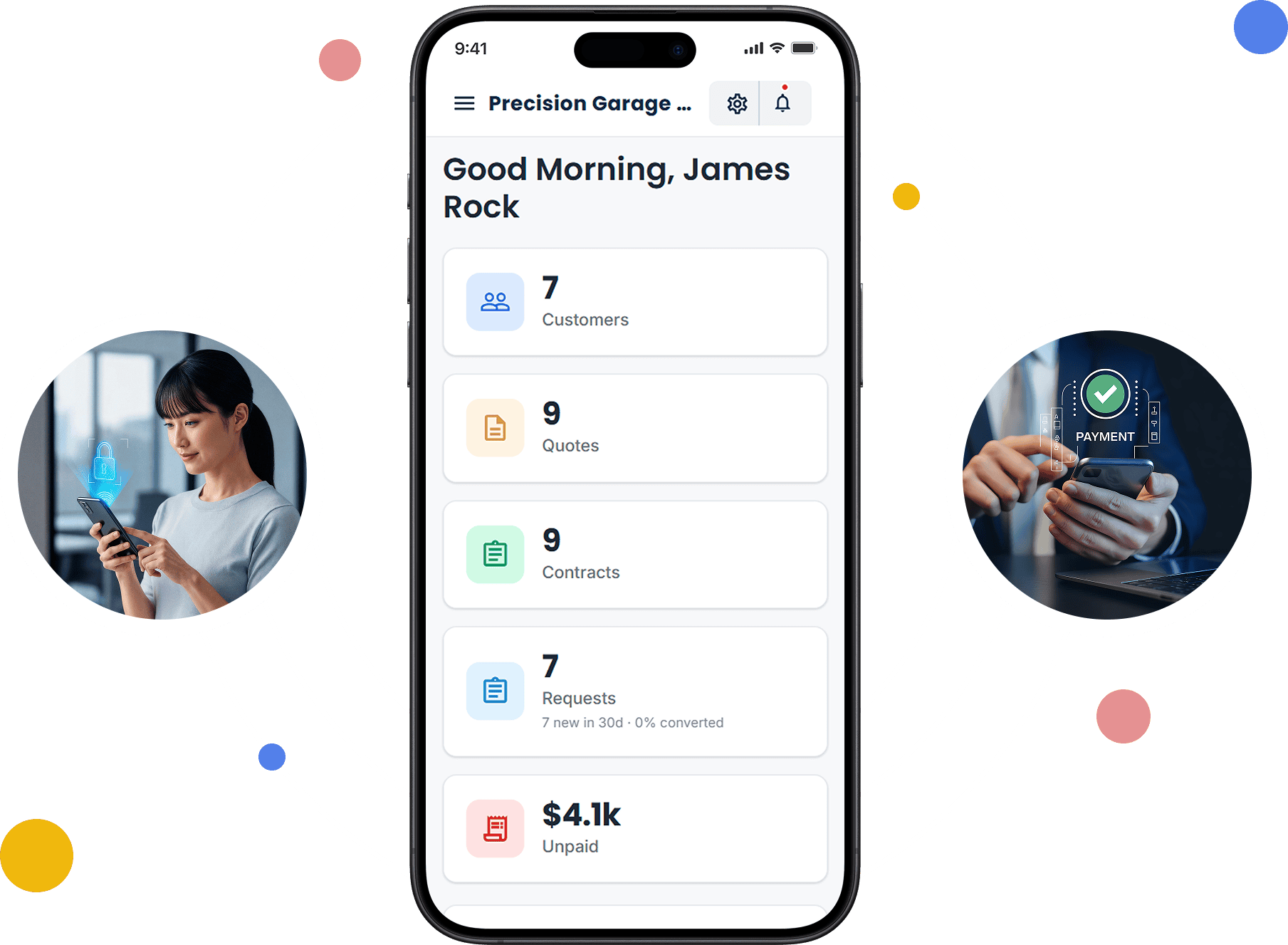
Step 1 of 4

Accept Payments with Host Merchant Services

Payment processing from Host Merchant Services is built into Cloud Job Manager, so drivers take credit and debit cards, ACH bank transfers and digital wallets at the truck, and the office sends pay links by text or email for customers who are not on site. Every payment syncs to the pickup it belongs to.
Accept Payments With Host Merchant Services

Reports & Business Insights

See revenue per truck, how many pickups each crew closed, the split between residential clean-outs and commercial jobs, and which invoices — usually the property managers — are still open. When you are weighing a second truck, the per-truck revenue report is the case for or against it.

Revenue per truck

Compare the income generated by each truck.

Pickups per crew

See how many jobs each crew closed.

Open invoices

Track outstanding residential and commercial payments.

Mobile Friendly For Field Technicians

Why Is Cloud Job Manager Free?

You never pay for the software. Host Merchant Services supplies the payment processing, and the processing carries the cost. Every card, ACH or digital wallet payment taken at the curb runs through Host Merchant Services, so there is no subscription, no per-driver fee, no tiers and no feature paywall.
Most junk removal apps price per user, which means every helper you add in the busy season adds to the bill. Cloud Job Manager charges nothing for the extra helper. The homepage explains free job management software in more detail, and the industries page shows the other trades using it.

Frequently Asked Questions

It should let you quote by load size from the customer’s photos, book the pickup onto a truck, give drivers the day’s list on their phone, convert the quote to an invoice on site and take card payment at the curb. Cloud Job Manager covers the whole loop from a single free account, with iOS and Android apps for the crew.
Yes. Put your load sizes — quarter, half, three-quarter, full — and your item surcharges in the price list, then build each estimate from them. Attach the customer’s photos, send the estimate for approval by text or email, and add a change order on site if the pile is bigger than the photos showed.
Yes. From the iOS or Android app the driver converts the estimate to an invoice and takes a credit or debit card, ACH or digital wallet payment through Host Merchant Services before leaving. If the customer is not there, the driver texts a pay link instead, and either way it posts to the pickup on its own.
Cloud Job Manager is free: no subscription, no per-user fees, no tiers and no feature paywalls. The software line in a junk removal business startup cost is zero. Host Merchant Services provides the payment processing that pays for it, so your only cost is the standard processing on the cards, ACH and digital wallet payments you take at the curb.
Yes. An owner-driver gets the full dispatch board, price list, estimates, invoices and card payment on one phone. Adding a helper or a second truck later means inviting them to the account; with no per-user fees there is no bigger plan to move to.

Ready to Run Your Junk Removal Business From One Free Platform?

Quote from the photos, book the truck, and get paid before the tailgate shuts. Create a free account in a few minutes, or book a demo and we will walk through a load-size price list with you.