Receive the request
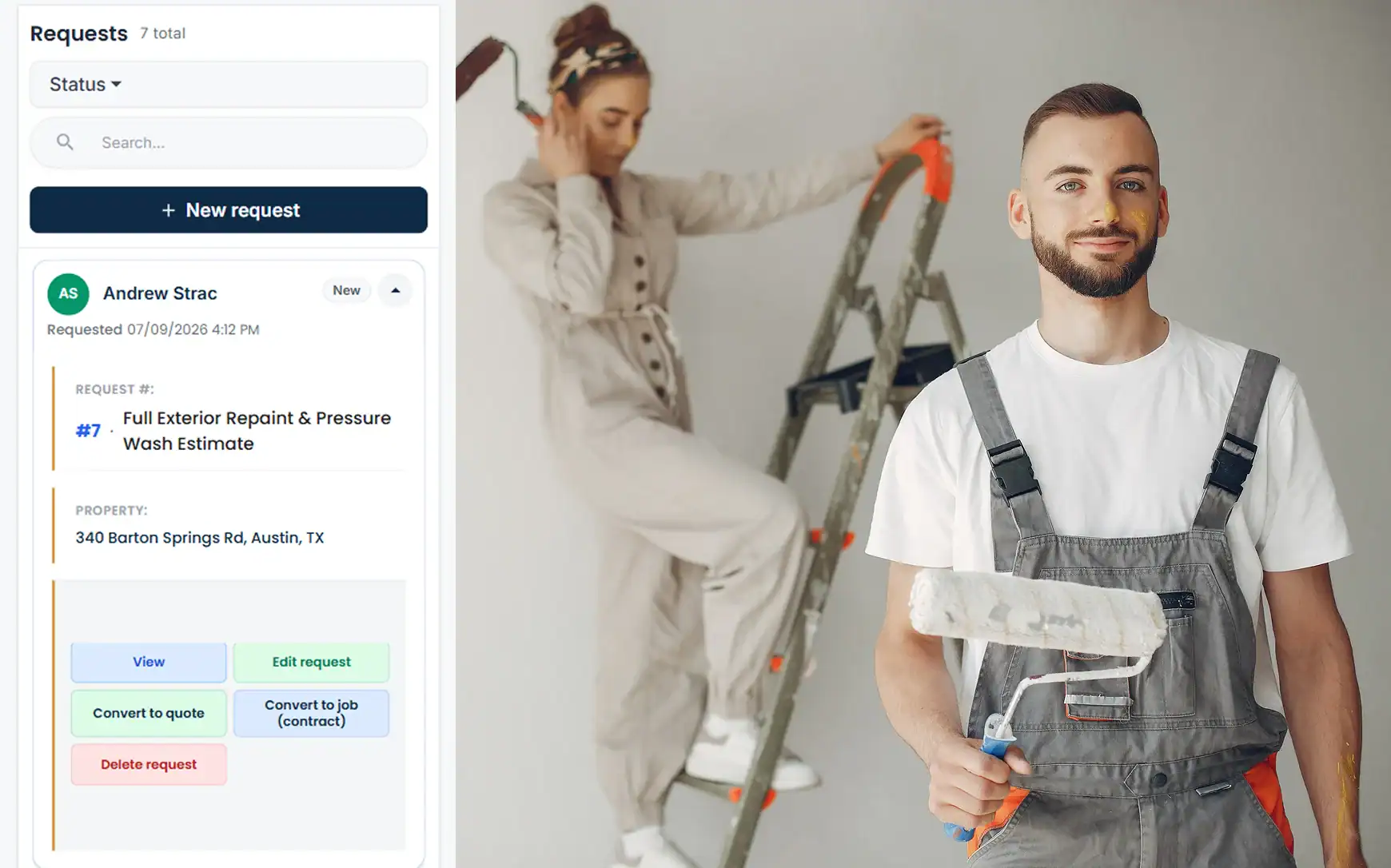
A homeowner asks for a quote on three rooms and the hallway. The request becomes a job on their record with any photos and colour notes they sent, ready for the walk-through.




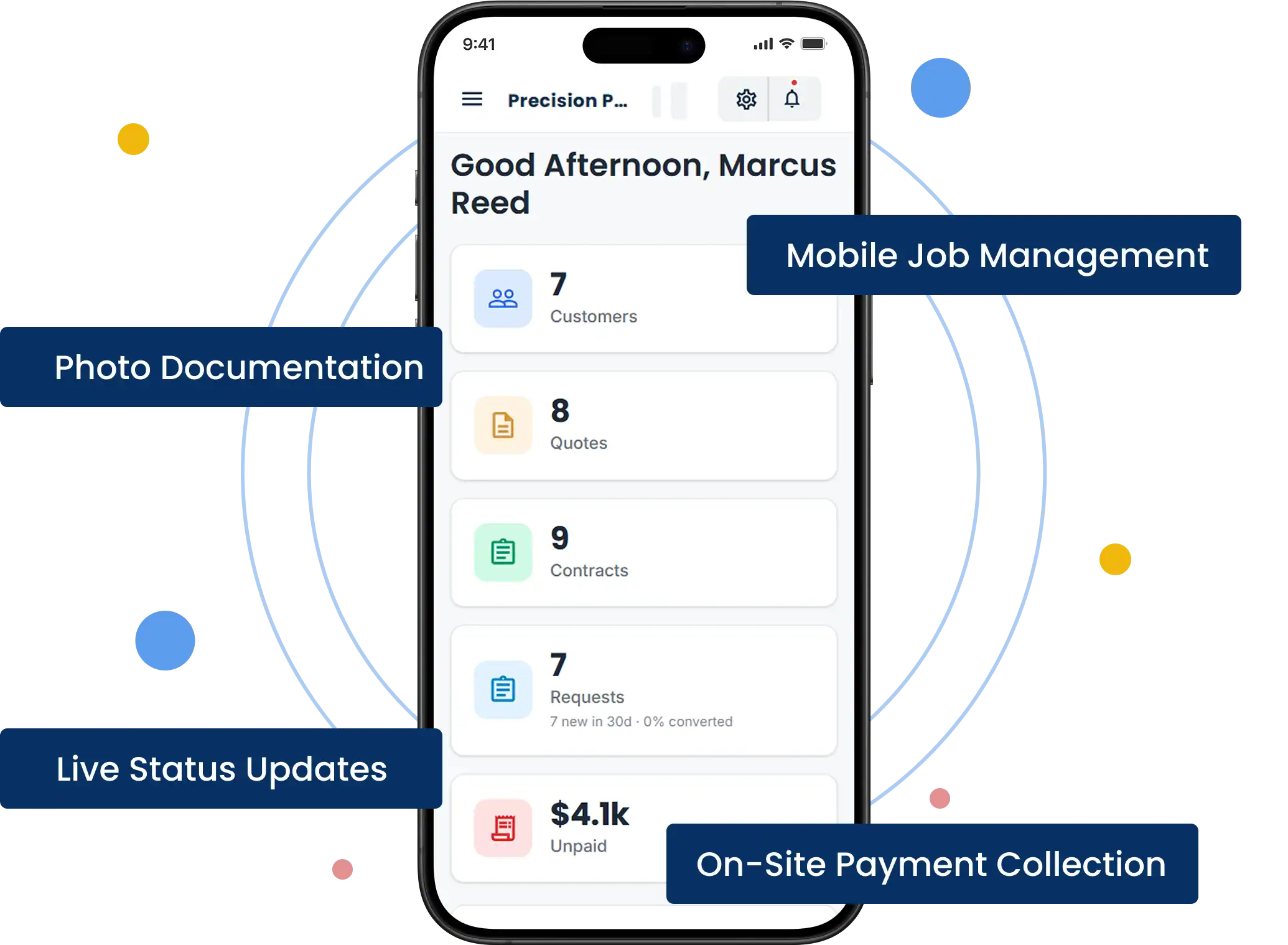
A homeowner asks for a quote on three rooms and the hallway. The request becomes a job on their record with any photos and colour notes they sent, ready for the walk-through.

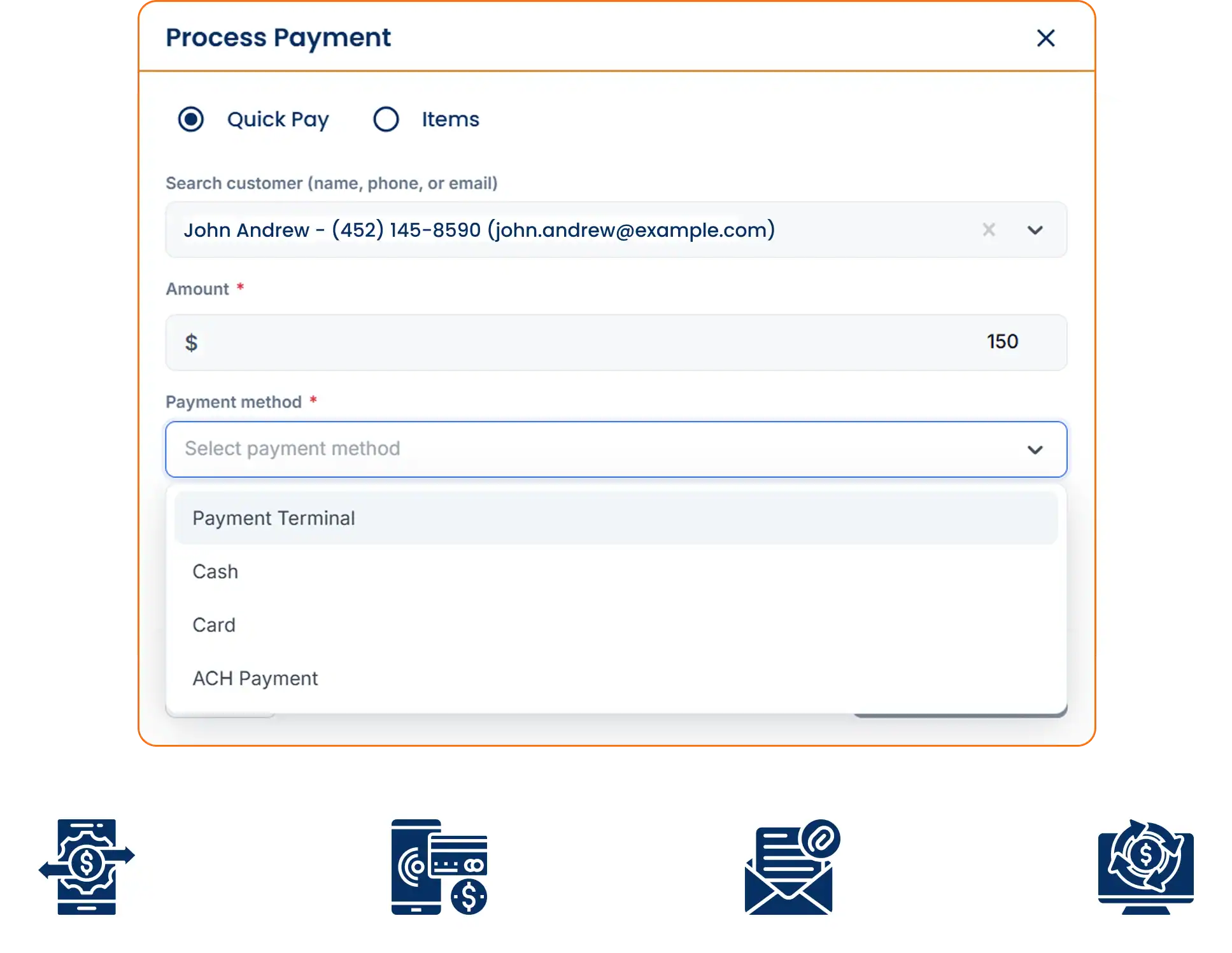
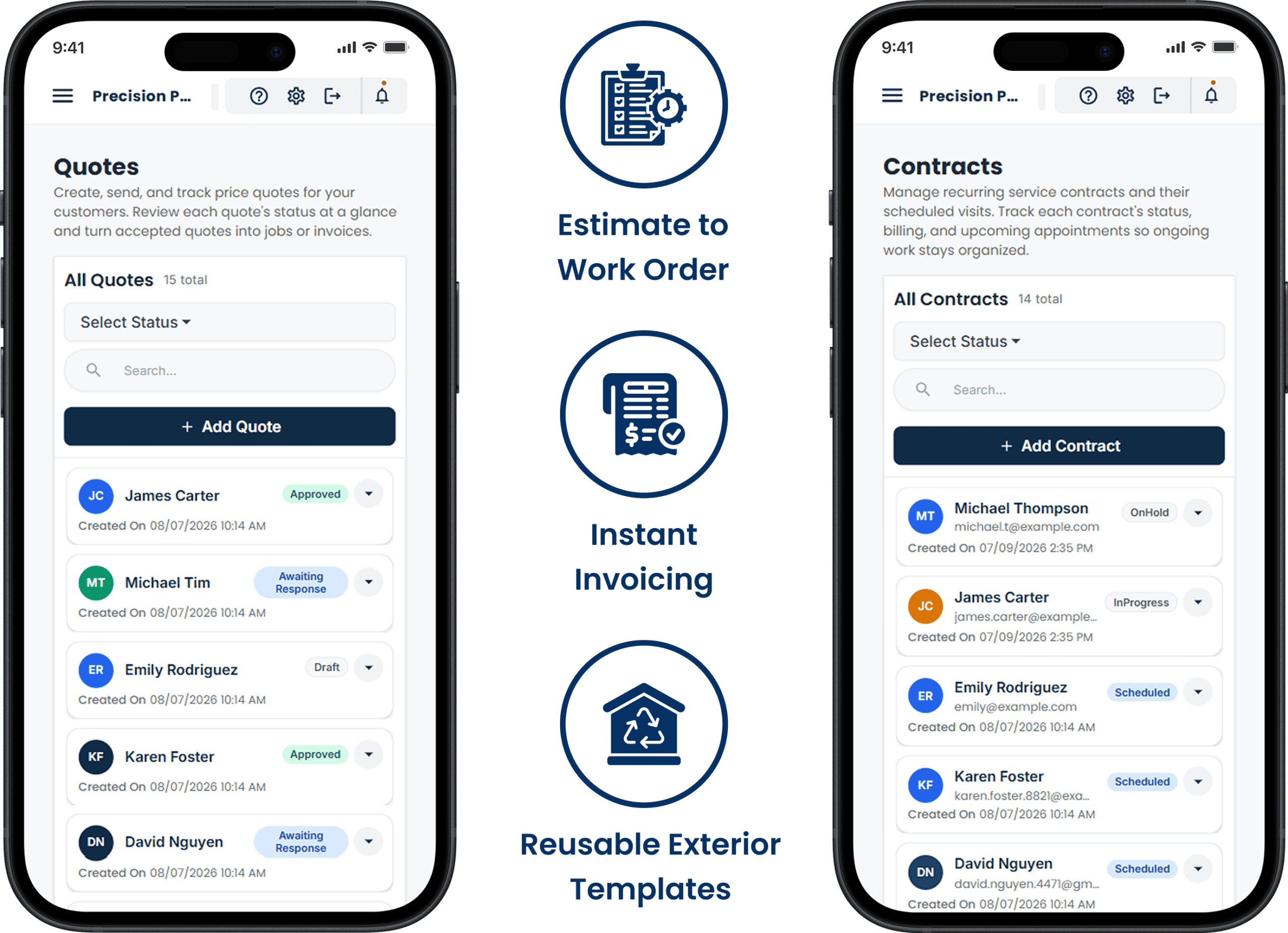
After the walk-through, price each room, the trim and the prep, and send it. The customer approves it on their phone, and the deposit pay link goes out the same minute.

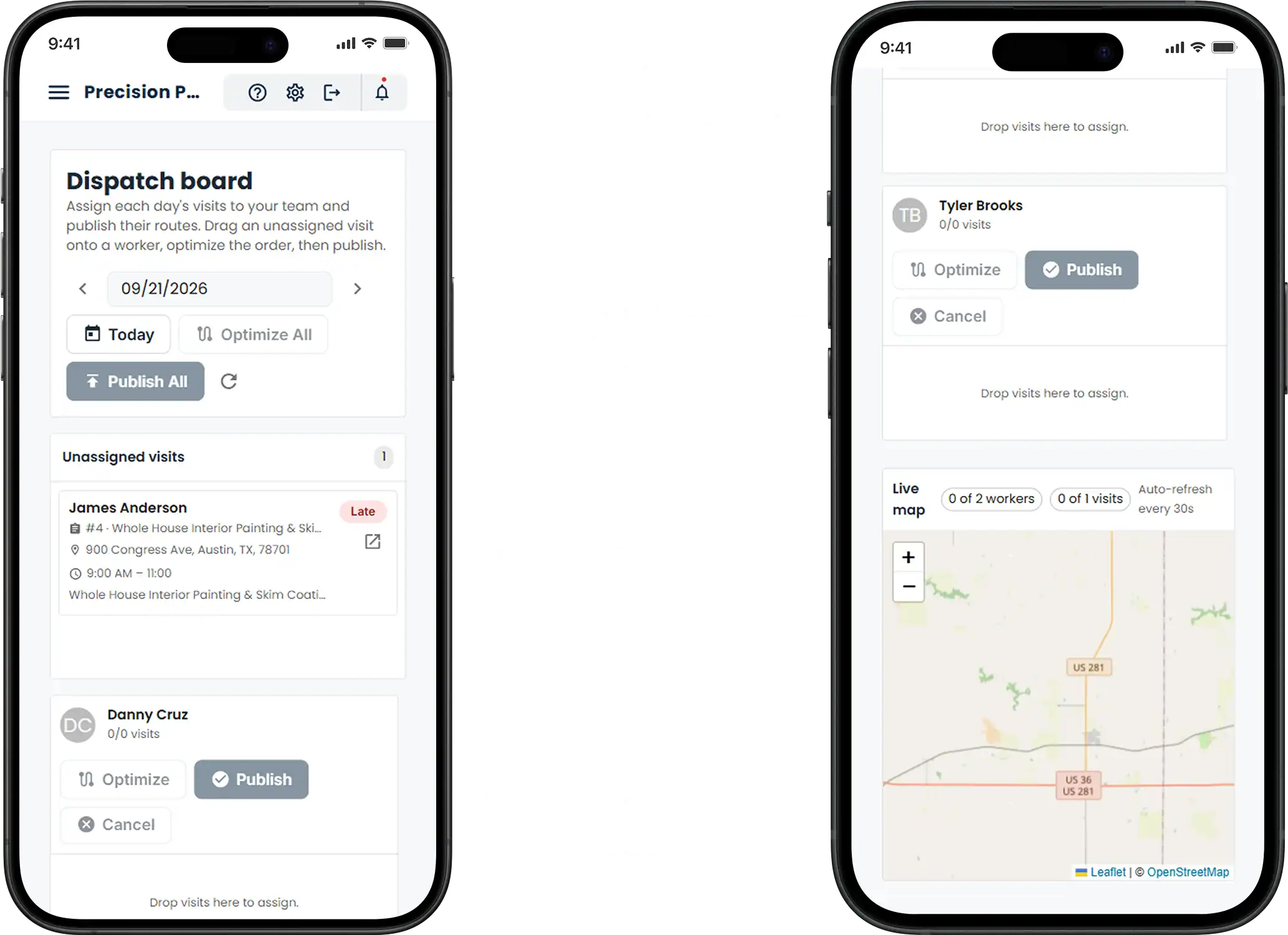
With the deposit paid, drop the job onto Tuesday, Wednesday and Thursday for the two-painter crew. They see the rooms, colours and prep notes in the app before they load the van.

At the walkthrough, convert the estimate to the final invoice with the deposit deducted, and take the balance by card at the door or by pay link that evening.