Cloud Job Manager

Snow Removal App for Plow and Shoveling Crews — 100% Free

The forecast says four inches overnight and your phone will start at 3 a.m. Cloud Job Manager is a snow shoveler app and plow dispatch tool for the people who run snow removal crews, not the people looking for shovelling work: seasonal contracts, per-storm billing, route lists for every truck and a time-stamped record of when each lot and driveway was cleared. Any snow removal business can use it free; storm-season drivers cost nothing to add.
Snow Removal App For Plow And Shoveling Crews — 100% Free

All-in-One Snow Management

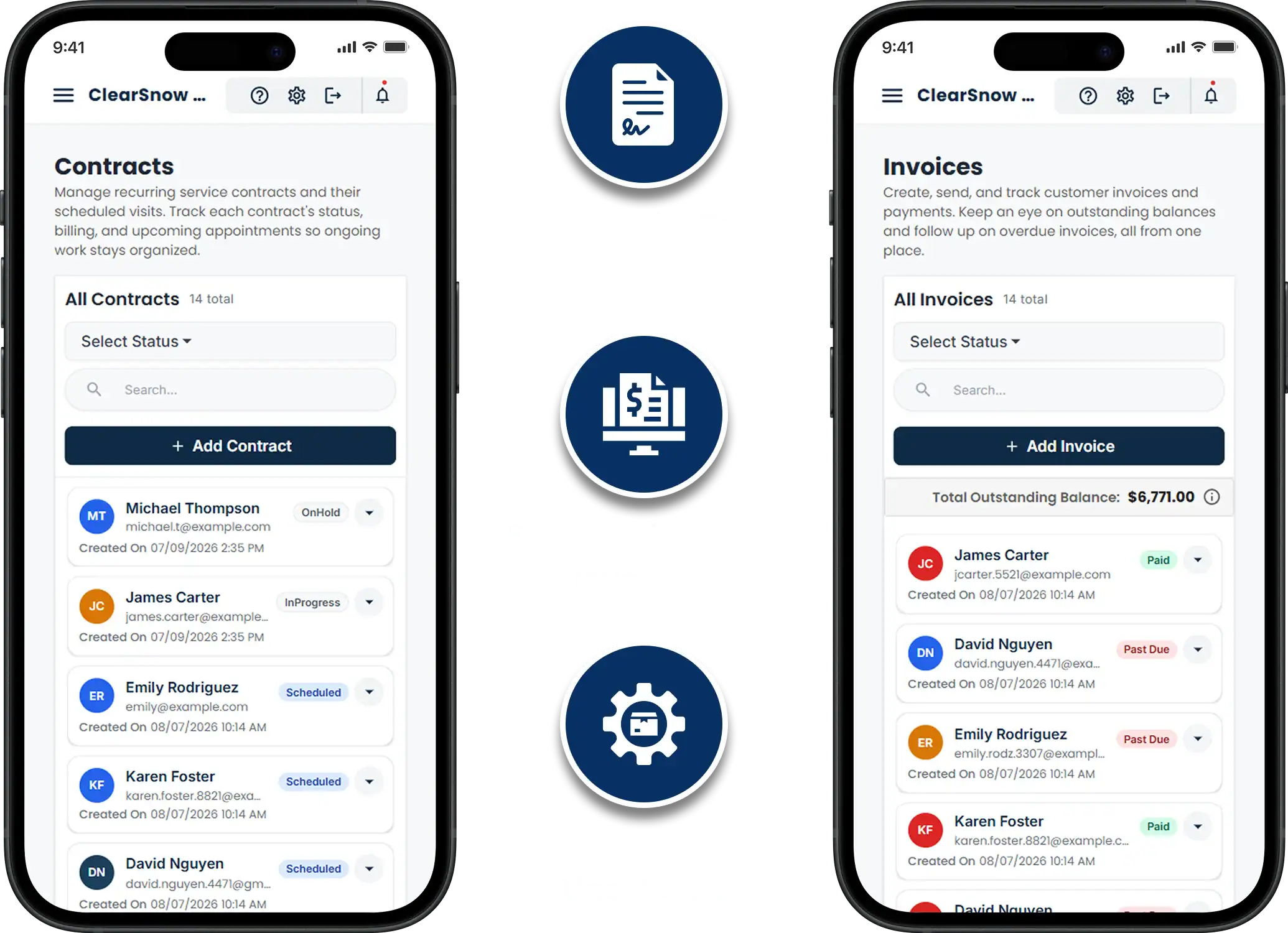
Snow work is a contract business that runs on chaos. You sell the season in October, sit through November, and then do a month’s work in three nights. Cloud Job Manager keeps every property, its contract terms, its route, the storm logs and the invoices on one customer record, so the commercial lot on a flat seasonal rate and the driveway paying per push are handled the same way — by the same software, on the same phones.
Junk Removal Management Features
  • One record per property with contract type, trigger depth and site notes

  • Per-storm jobs assigned to trucks and shovel crews on a dispatch board

  • Completion time and photo logged on every property, every storm

  • Seasonal, per-event and hourly invoicing with card and ACH payments

  • Reports on revenue per contract type and unpaid invoices

Seasonal Contracts and Per-Storm Billing

Residential snow removal pricing is usually per push or a flat season; commercial lots are usually a seasonal snow removal contract with a trigger depth and a per-visit rate for salting, or a per-event price for everything. Set the terms on each customer once. A flat seasonal rate is invoiced in instalments from the estimate the customer approved in the fall; a per-storm customer gets an invoice built from the visits marked complete after each event.
A commercial snow removal contract for a shopping plaza or a medical office might specify a plow at two inches, sidewalks within an hour of the lot, and salt on every visit. Put that on the customer record so the crew sees it on the truck and the office bills each line the way the contract says. Whether you set your prices with a snow removal pricing calculator or from last season’s hours, the number lives on the estimate, and the change order covers the storm that needed a second pass.
Seasonal Contracts And Per Storm Billing
Dispatching Crews When The Storm Hits

Dispatching Crews When the Storm Hits

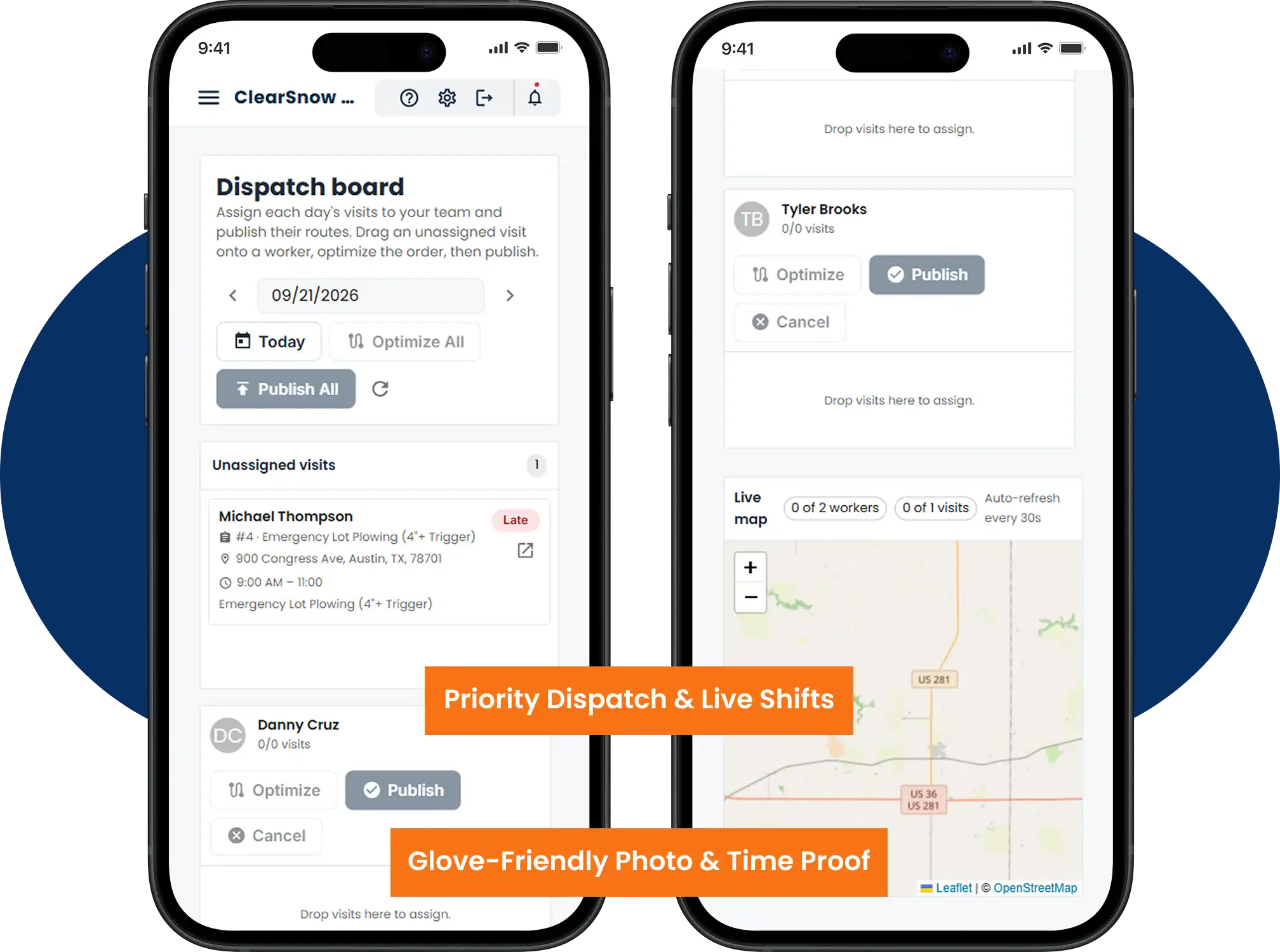
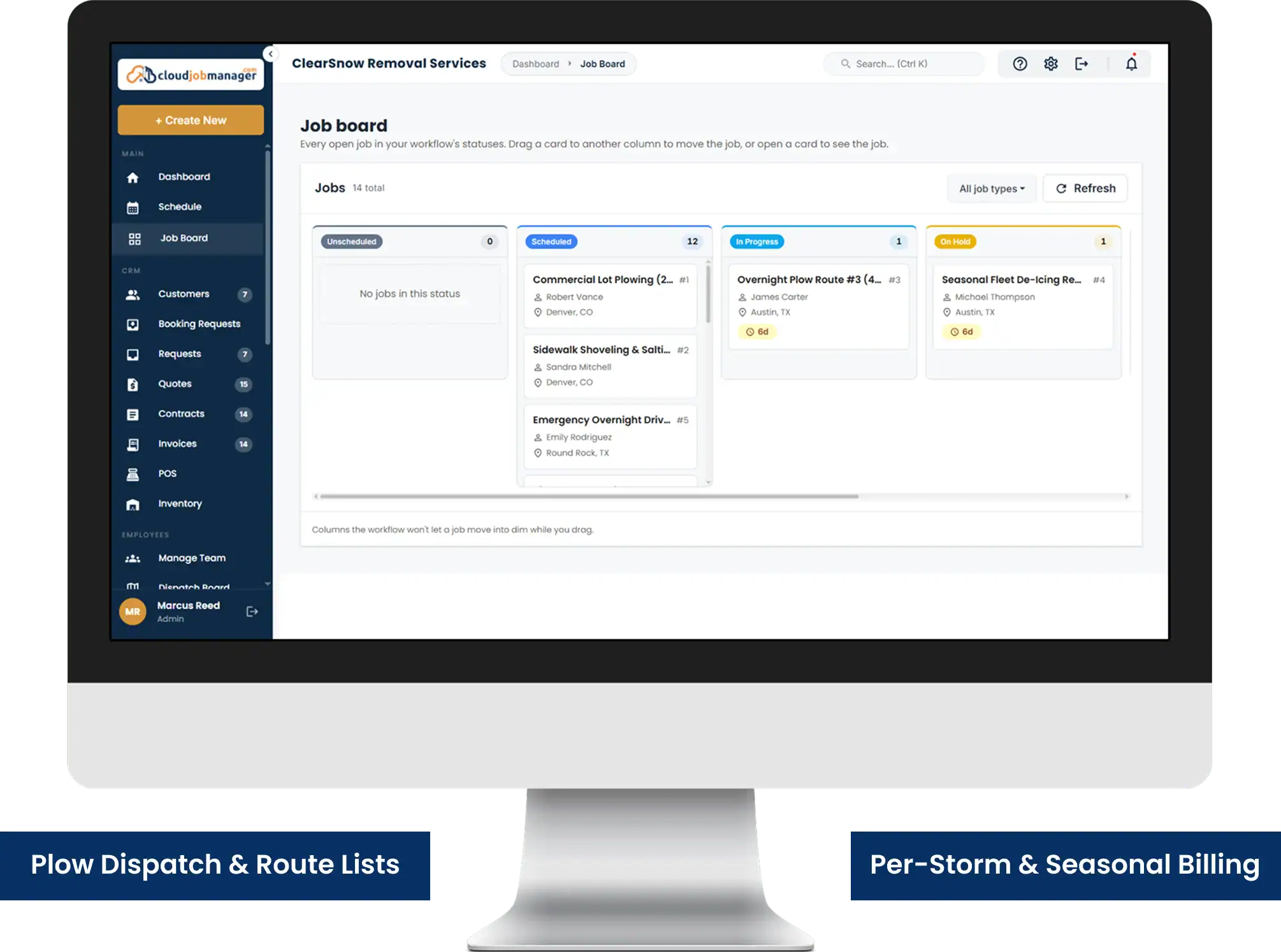
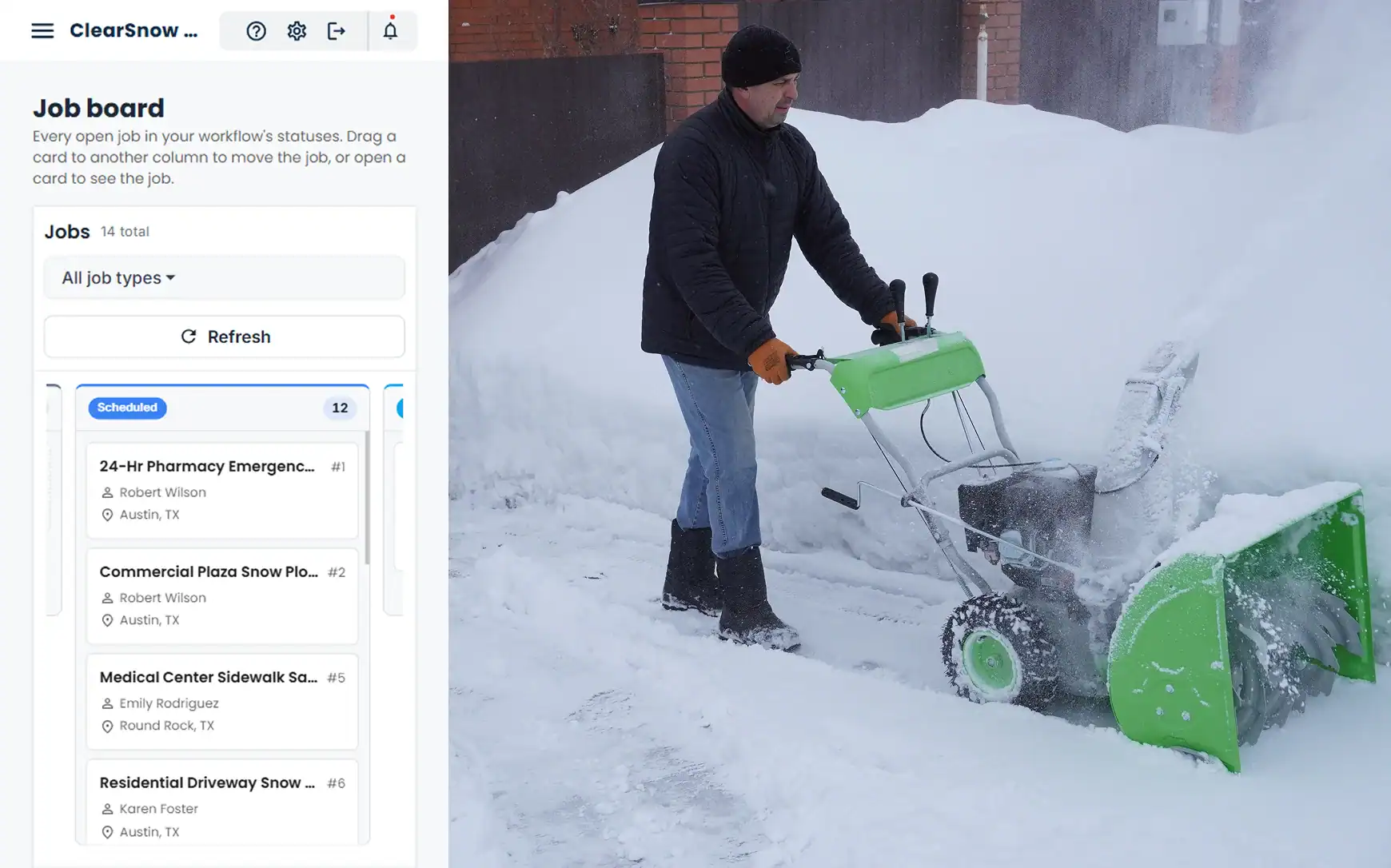
At 4 a.m. the dispatch board is the whole business. Each truck and each shovel crew is a column; each property is a job in that column, in the order you want it cleared — the 24-hour pharmacy first, the church lot before the 8 a.m. service, the residential street last. A snow shoveler app has to work with gloves on: drivers open the iOS or Android app, work down their list, and mark each property complete with a photo of the cleared lot.
That completion mark is your liability record. When a slip-and-fall claim arrives in March asking whether the lot was cleared before 6 a.m. on the night of the storm, the job shows when it was marked done and what it looked like. The same log tells you which driver is running behind so you can shift the last three driveways to the truck that finished early.
Cloud Job Manager does not track truck GPS or reorder the route for you. Pair Cloud Job Manager with a fleet tracking tool if you need live truck locations on a map.

Smart Scheduling & Job Tracking

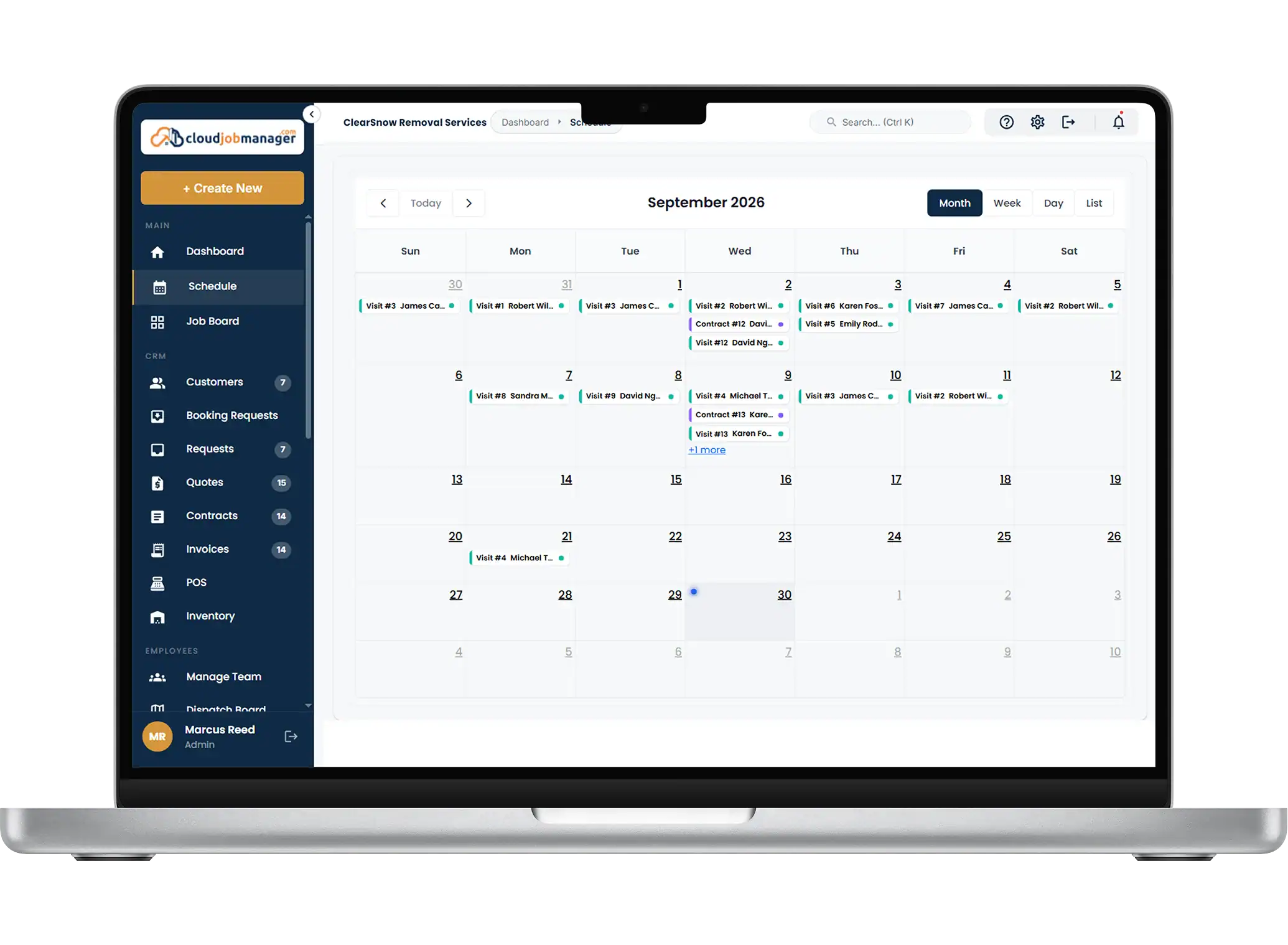
Between storms the calendar holds the planned work: pre-salting before a freeze, hauling piles off a lot that has run out of room, the site walk-throughs before you sign a new contract. During a storm it holds the live route. Assign properties to trucks, prioritise the contracts with the tightest response times, and watch status change as each one is cleared.
Smart Scheduling & Job Tracking
Estimates, Work Orders & Invoicing

Estimates, Work Orders & Invoicing

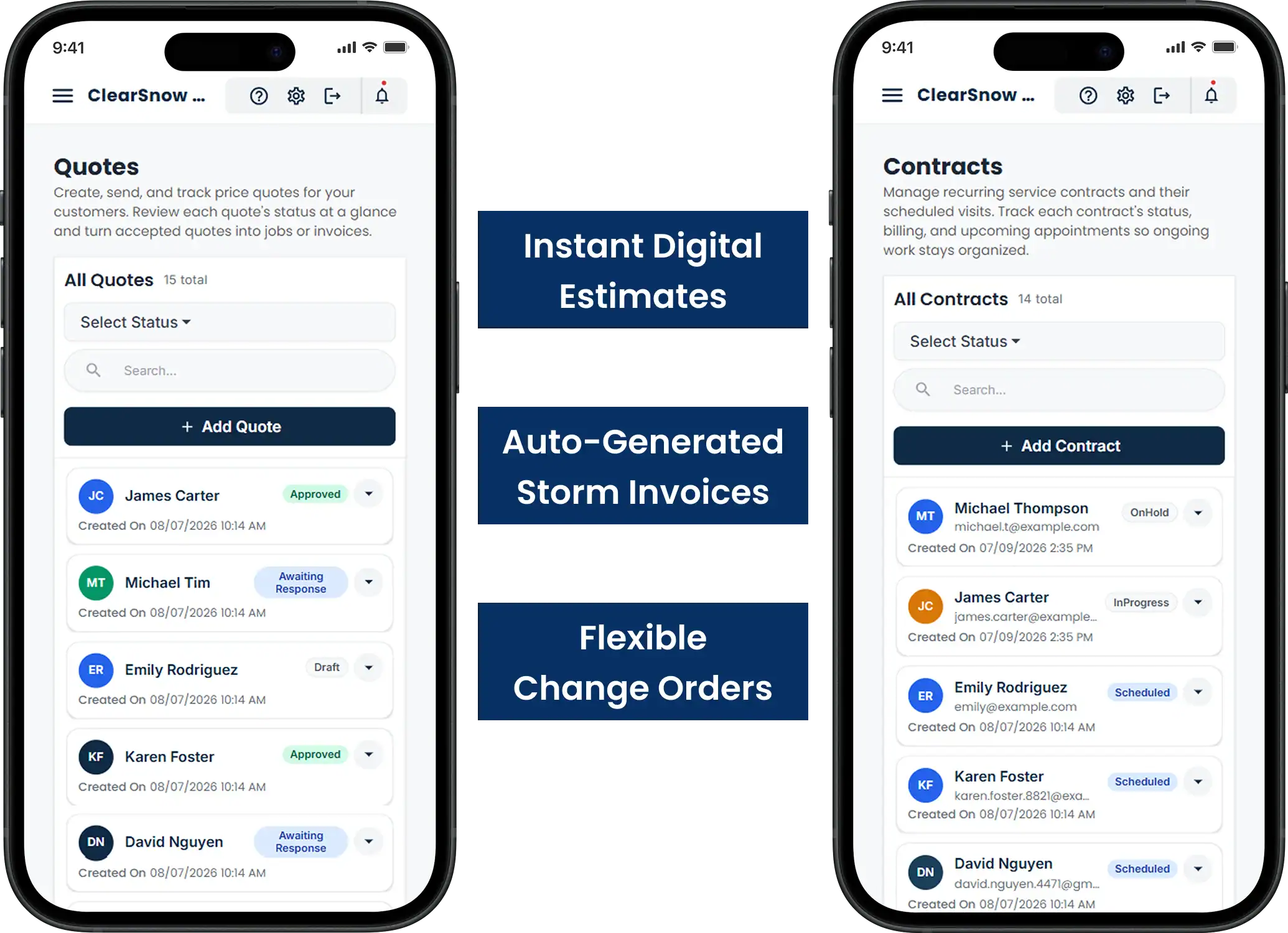
Quote the season in the fall from your own price list: lot size, sidewalk length, salting, hauling. Send the estimate for the customer to approve on their phone, and it becomes the contract of record. For per-storm customers, the visits marked complete during the event build the invoice after it, so nothing is billed from memory the following week.
Change orders cover the storm that dropped fourteen inches instead of four and needed a loader, or the site that asked for extra salt after a refreeze. Add the line to the job so the invoice matches what the crew did, and the customer sees exactly why.

Manage Jobs From the Mobile App

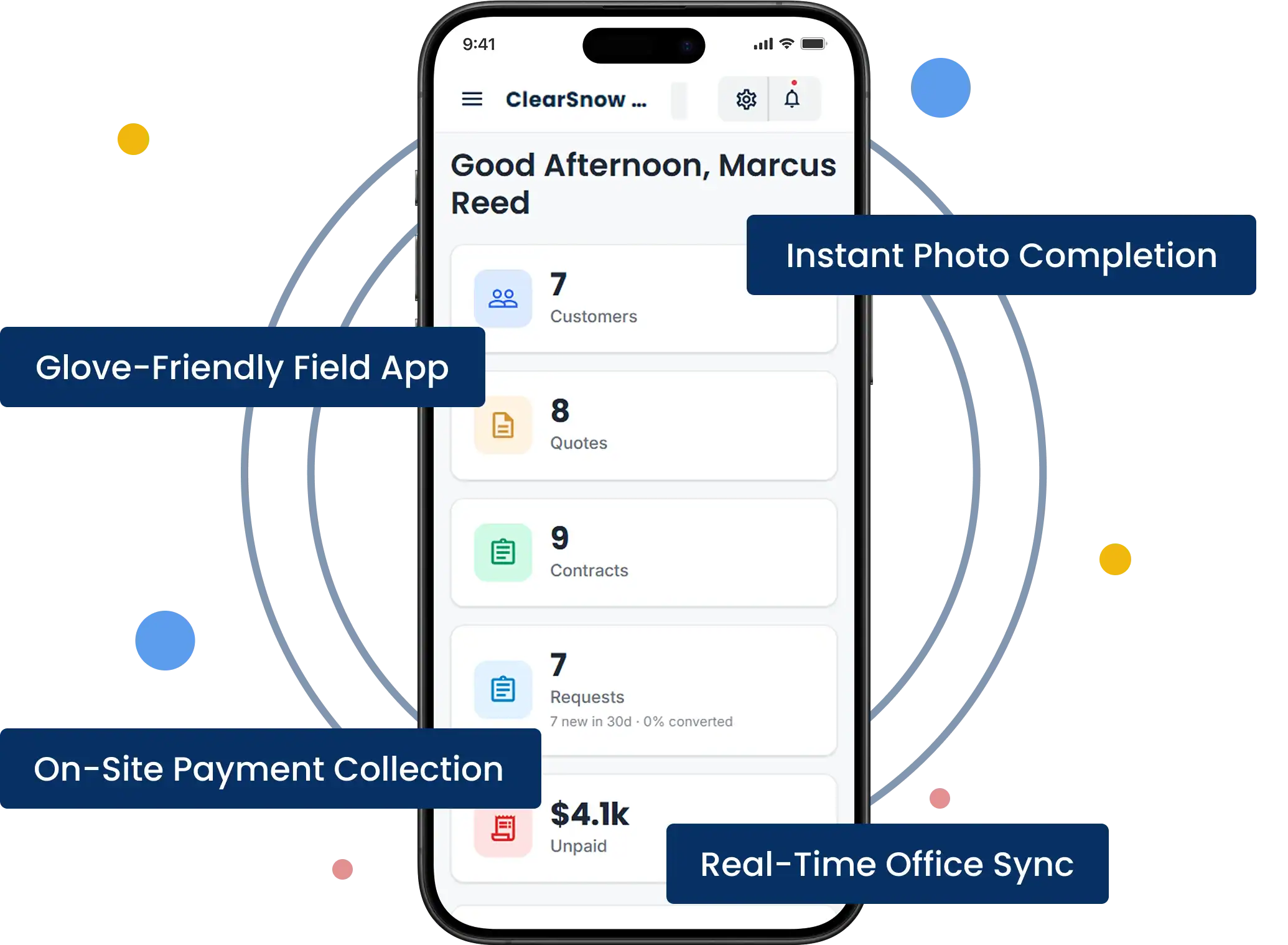
Drivers and shovel crews run the storm from the iOS or Android app: the route in order, the site notes, the photo of the cleared lot, the completion mark, and for per-push residential customers, the invoice and card payment before the truck backs out of the driveway. The office watches every column update from home at 5 a.m. without a single call.
Manage Jobs From The Mobile App

From First Call to "Payment Received" in Four Steps

HVAC Four-Step Workflow
Receive an HVAC service request in Cloud Job Manager

Receive the request

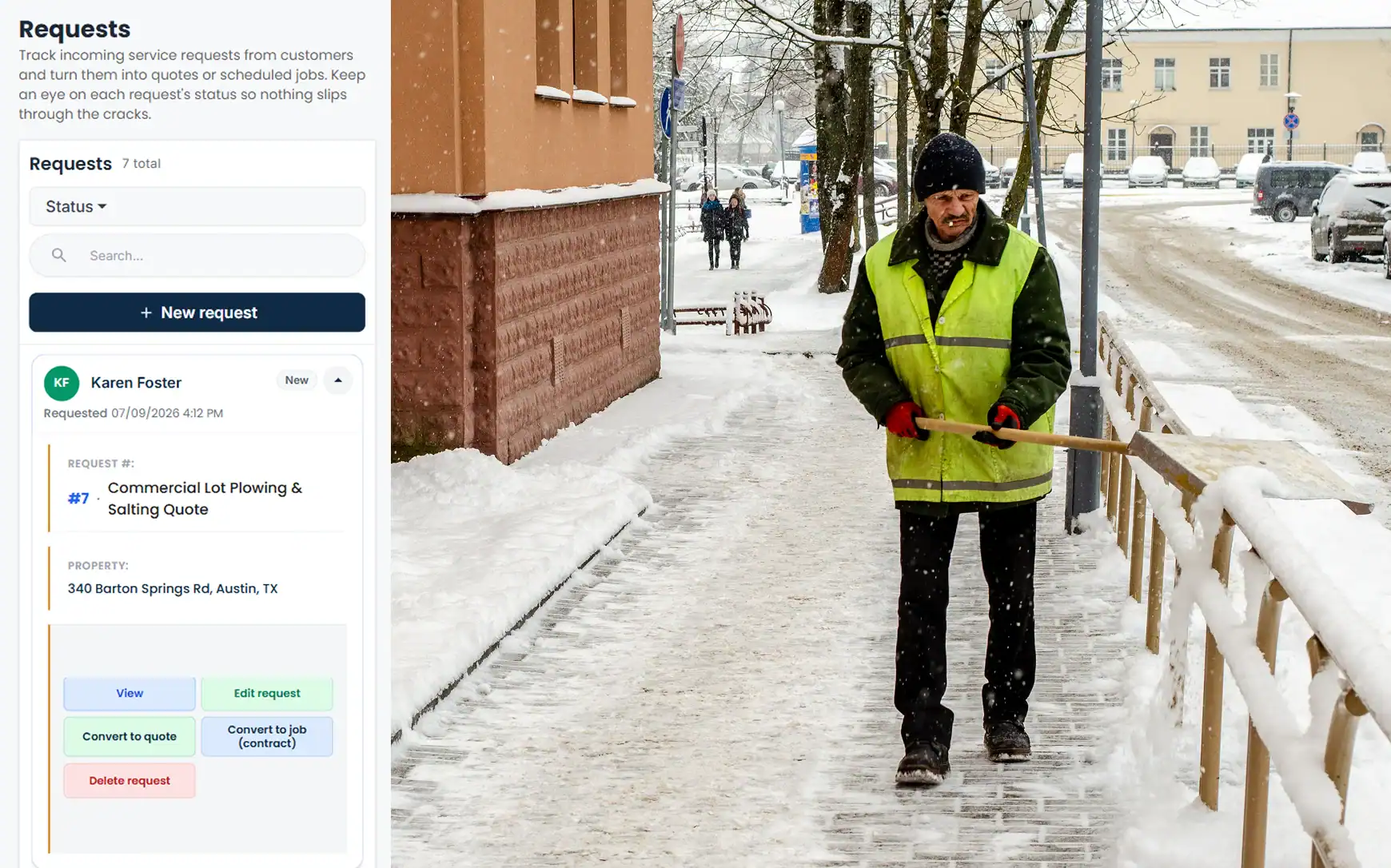
A property manager asks for a price on a strip-mall lot in October. The request becomes a job on their new record with the site notes — where to pile, which entrance opens first.

Send an HVAC estimate from Cloud Job Manager

Send an estimate

Quote the season with a trigger depth and salt per visit, send it, and the manager approves it on their phone. That approved estimate is now the contract on file.
Schedule an HVAC crew in Cloud Job Manager

Schedule the crew

Add the lot to a truck's route at the right priority. When the storm comes, the driver has it on the phone in order, with the notes and the contract terms.

Invoice an HVAC customer and record payment

Invoice and get paid

Seasonal instalments go out on schedule with a pay link; per-storm invoices are built from the completed visits and paid by card or ACH. Nothing needs matching by hand afterwards.
Step 1 of 4

Accept Payments with Host Merchant Services

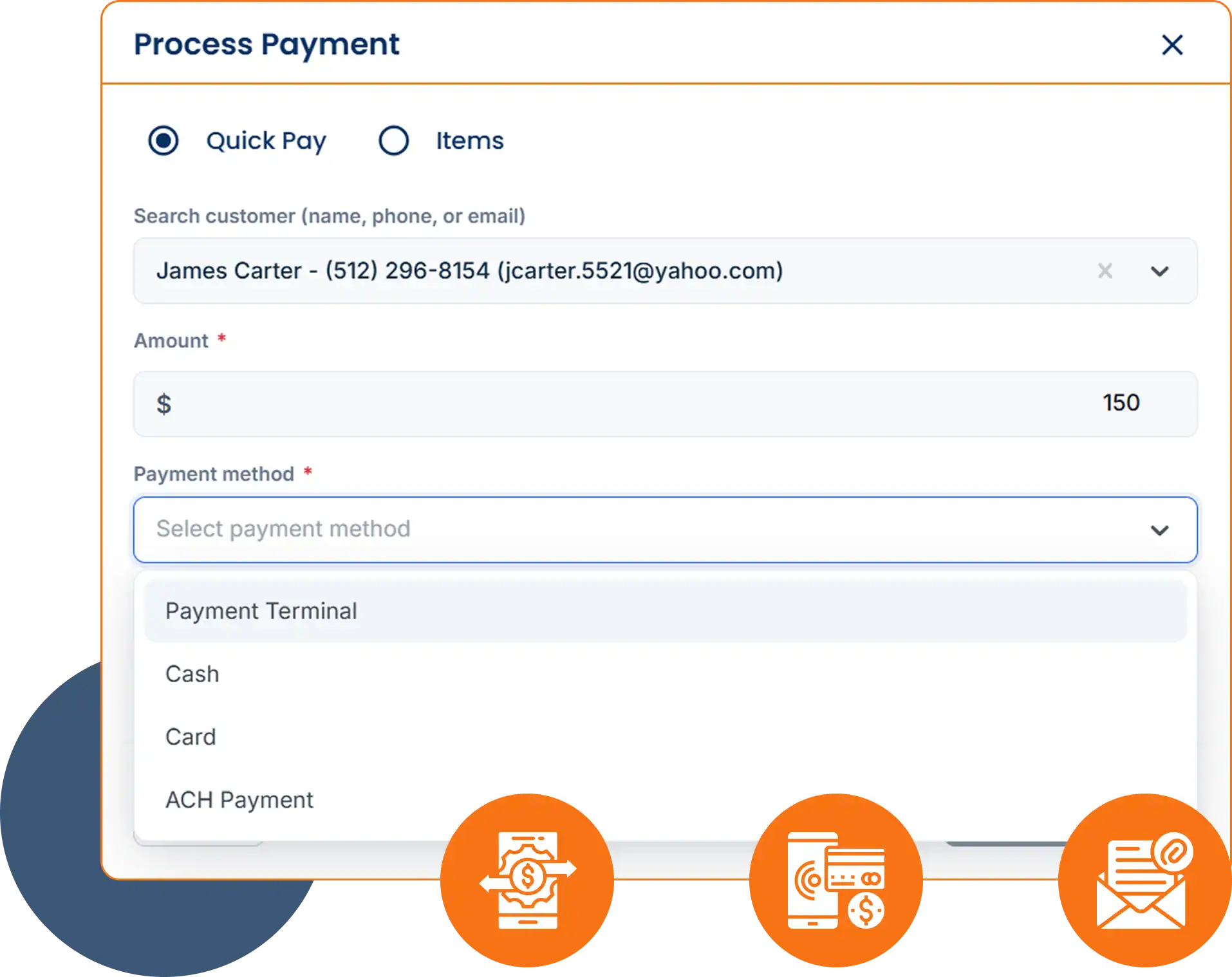
Payment processing from Host Merchant Services is built into Cloud Job Manager, so a driver can take a card from a residential customer at the end of the driveway and the office can collect a commercial instalment by ACH from the same account. Cards, ACH and digital wallets all post straight to the contract they belong to.
Accept Payments With Host Merchant Services

Reports & Business Insights

See revenue by contract type, how many properties each truck cleared per storm, which commercial accounts are behind on instalments, and how the season’s hours compare with what you priced. That report is what tells you whether next year’s seasonal rates need to go up.

Revenue by contract

Compare seasonal, per-event and hourly work.

Properties per truck

Review completed properties for every storm.

Open instalments

Track commercial accounts with unpaid balances.

Why Is Cloud Job Manager Free

Why Is Cloud Job Manager Free?

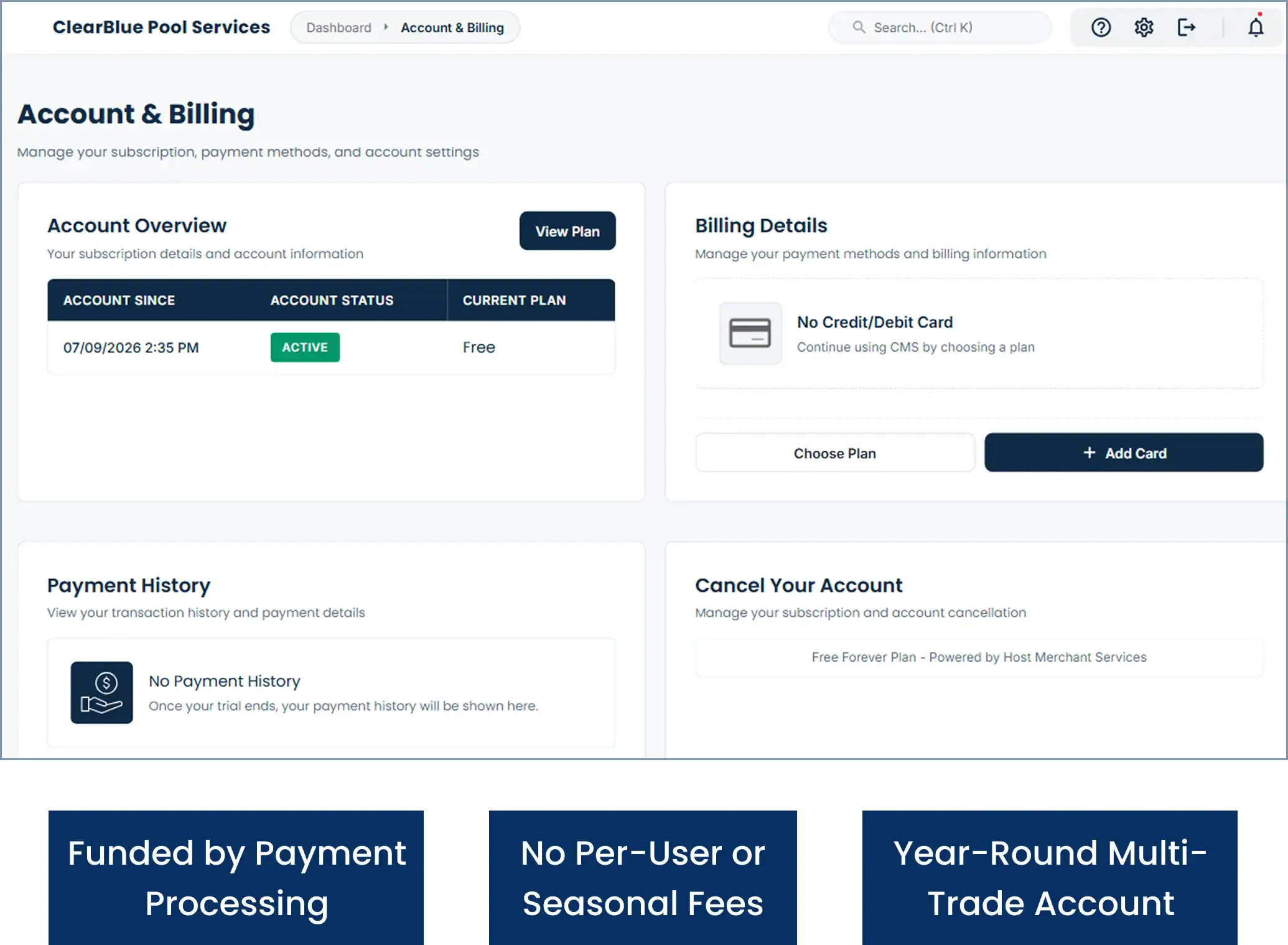
This snow shoveler app and dispatch tool is free because Host Merchant Services provides the payment processing, and that processing is what funds the platform. When customers pay their instalments or per-push invoices by card, ACH or digital wallet, Cloud Job Manager is paid for. There are no per-user fees for the drivers you only need from December to March, no tiers and no feature paywalls.
A snow plow business that also mows in summer runs both seasons from the same account — see our lawn care business software page for the other half of the year. The homepage has more on free job management software, and the industries page lists the other trades.

Frequently Asked Questions

For an operator, a snow shoveler app is the tool that hands each plow driver and shovel crew their route for the storm, logs when each property was cleared, and turns those visits into invoices. Cloud Job Manager does that free, with contract terms per property and card or ACH payment built in. It is not a job board for people seeking shovelling work.
Yes. Set each property to a flat seasonal rate, a per-event price, or hourly. Seasonal contracts are invoiced in instalments from the approved estimate; per-storm customers get an invoice built from the visits marked complete after each event. Salting, sidewalks and hauling can be separate line items, and change orders cover the storms that needed more.
Yes. When a driver marks a property complete in the app, the job records when it was marked done, and the driver can add a photo of the cleared lot. That gives you a per-property, per-storm record for contract compliance and for any slip-and-fall claim that arrives months later.
Yes. Put the trigger depth, response time, salting terms and priority on the customer record so the crew sees them on the truck and the office bills each line as the contract says. Commercial instalments are collected by ACH or card through a pay link. Snow shoveling apps aimed at gig workers do not do this; Cloud Job Manager is built for the contractor.
Yes. Cloud Job Manager has no subscription, no per-user fees, no tiers and no feature paywalls, so every seasonal driver can have the app. The bill is covered by Host Merchant Services, whose payment processing runs underneath every card, ACH and digital wallet payment you take.

Ready to Run Your Snow Removal Business From One Free Platform?

Sell the season, dispatch the storm, log every lot and get paid — all from one free account. Sign up before the first snowfall, or book a demo and we will build a sample storm route with you.